
Native storefront protection app for Shopify, Wix, Ecwid, Nuvemshop & Shoper
BL Content Protection for Shopify, Wix, Ecwid, Nuvemshop & Shoper
Discourage casual copying, right-click actions, and image dragging with flexible storefront content safeguards.
BL Content Protection helps merchants add a practical first layer of protection around product media, branded copy, and storefront presentation without touching theme code.
What BL Content Protection is built to do
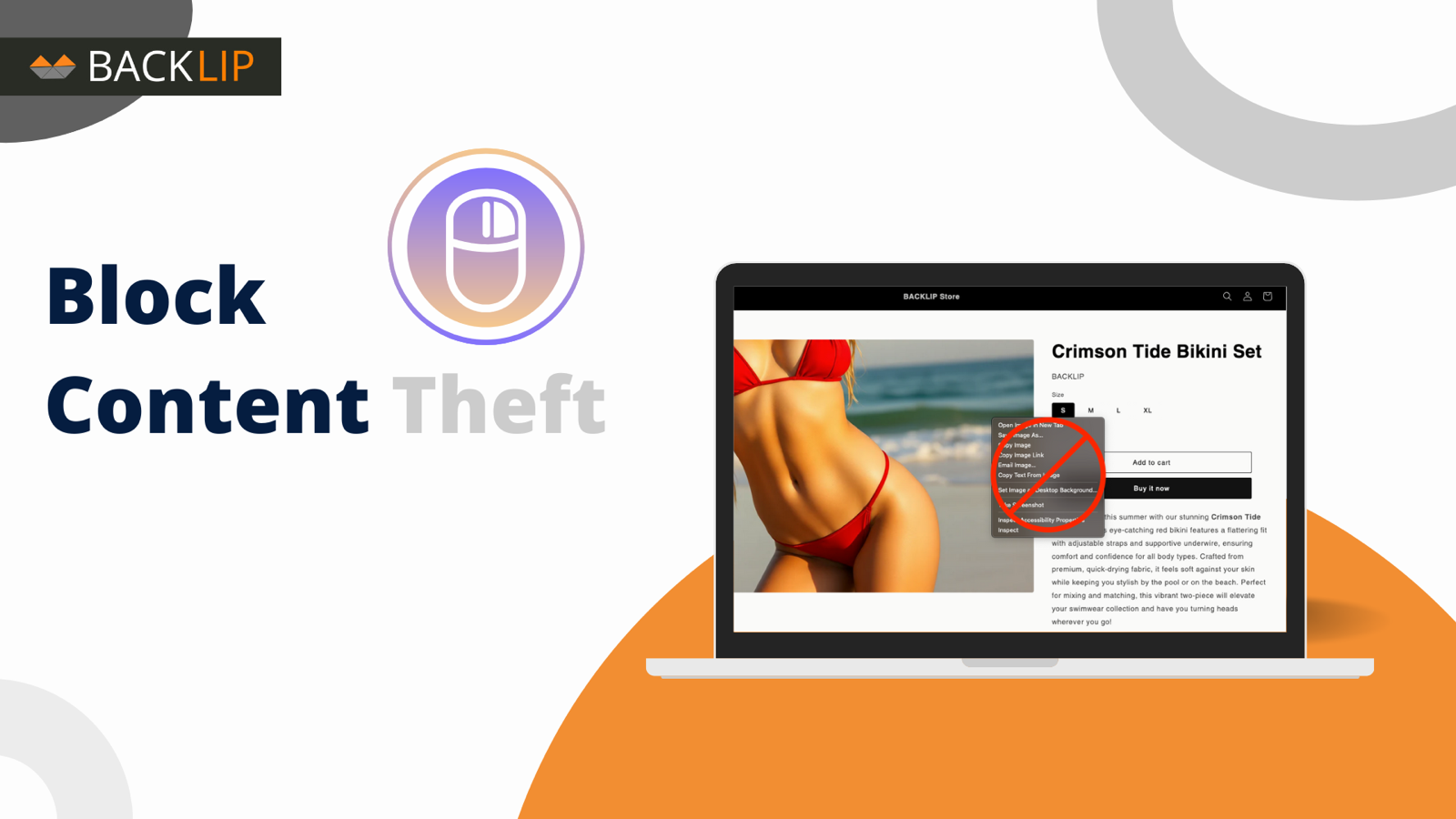
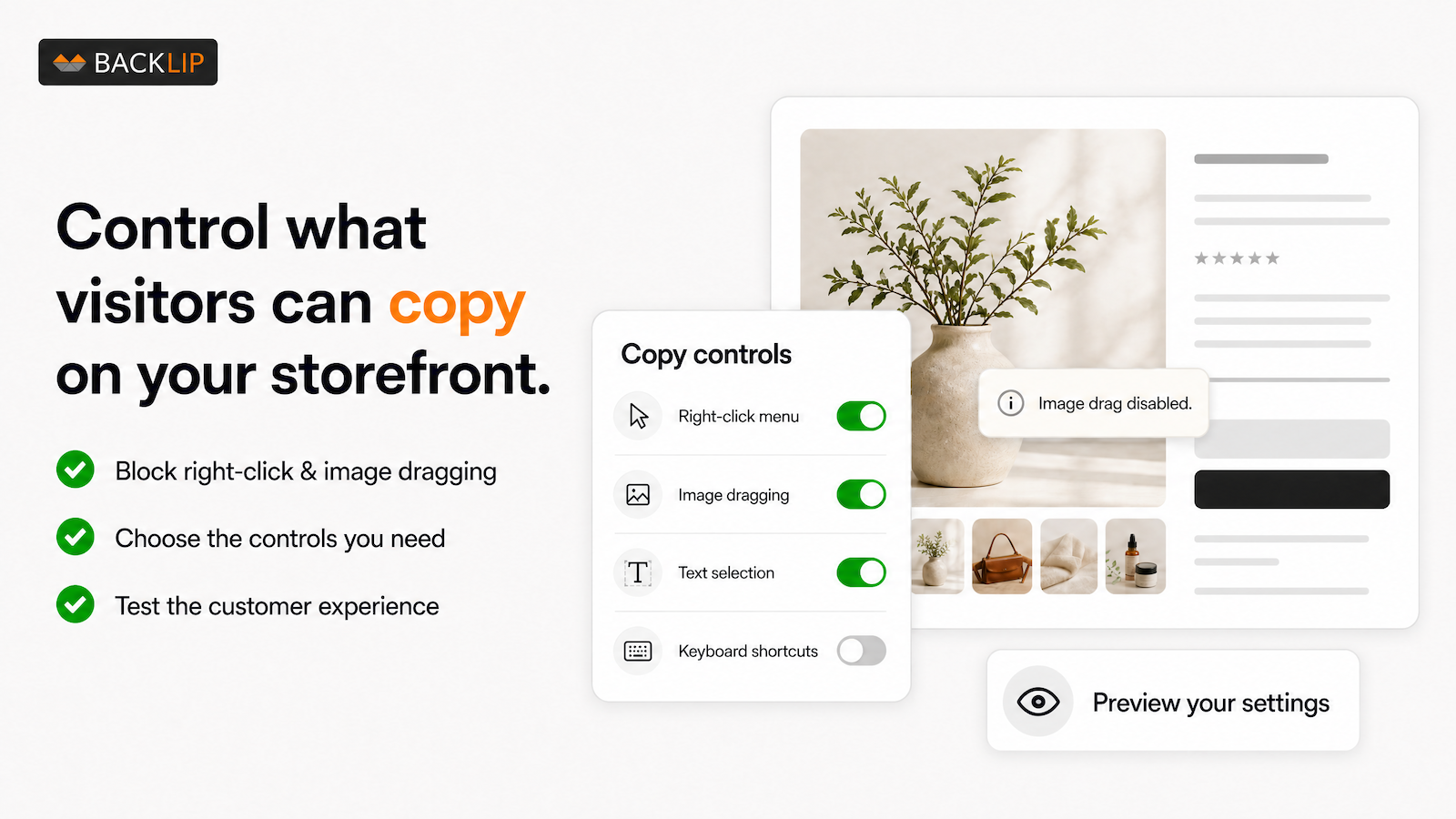
Give original storefront content a stronger first line of defense. BL Content Protection can discourage common copying behaviors such as right-click actions, text selection, copy/paste, and image dragging, helping merchants keep product imagery and branded content less exposed to casual reuse.
It is designed for stores that want an accessible configuration layer rather than a custom theme modification.
Storefront content protection for Shopify, Wix, Ecwid, Nuvemshop & Shoper
BL Content Protection is available through native marketplace listings for Shopify, Wix, Ecwid, Nuvemshop, and Shoper. Install the version that matches your store platform, then configure the safeguards that fit your content and customer experience.
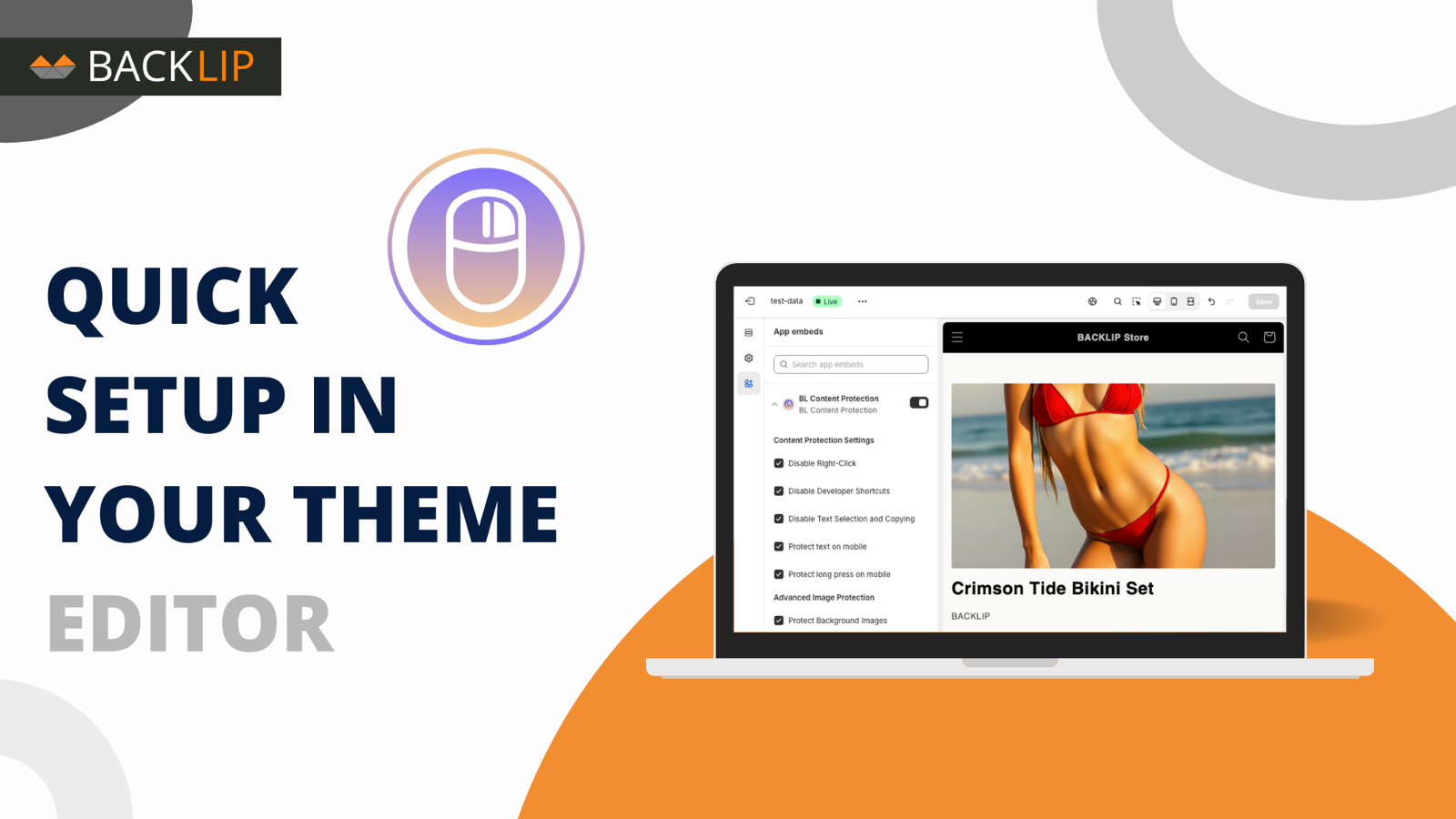
On Shoper, the app is listed as Blokada Kopiowania and offers ten browser-side safeguards, all enabled by default, each switched on or off in the store panel: right-click, copy/cut (form fields stay usable), text selection, and mobile long-press for content; image dragging, touch-device image menus, and background images; and devtools shortcuts (F12 and Ctrl/Cmd+U), a console deterrent, and print-view hiding. The safeguards run in the visitor’s browser and deter casual copying - they cannot make content impossible to capture, and some can affect usability and accessibility, so review the set with your customers in mind.
Common use cases
- Discourage casual right-click copying of branded store content.
- Reduce image dragging and basic text selection on product and campaign pages.
- Give proprietary product photography and merchandising copy an extra storefront safeguard.
- Apply a consistent protection layer across stores running on multiple ecommerce platforms.
Key considerations
Client-side safeguards reduce casual copying but cannot guarantee that content is impossible to capture. Use them as one part of a wider content-protection approach that includes original asset management, watermarks where appropriate, and clear rights processes.
Relevant product-search topics: ecommerce content protection, disable right click on Shopify, Wix copy protection, Ecwid image protection, Nuvemshop content protection, Shoper blokada kopiowania, and prevent image dragging.
Key capabilities
- Discourage common right-click, copy/paste, text-selection, and image-dragging behaviors.
- Help protect product visuals and branded storefront content from casual reuse.
- Configure safeguards without editing your storefront theme.
- Install natively on Shopify, Wix, Ecwid, Nuvemshop, or Shoper.
Install on your platform
Choose your store platform above to open the official marketplace listing, review the current configuration options, and install the native app for your storefront.
Simple installation for supported stores
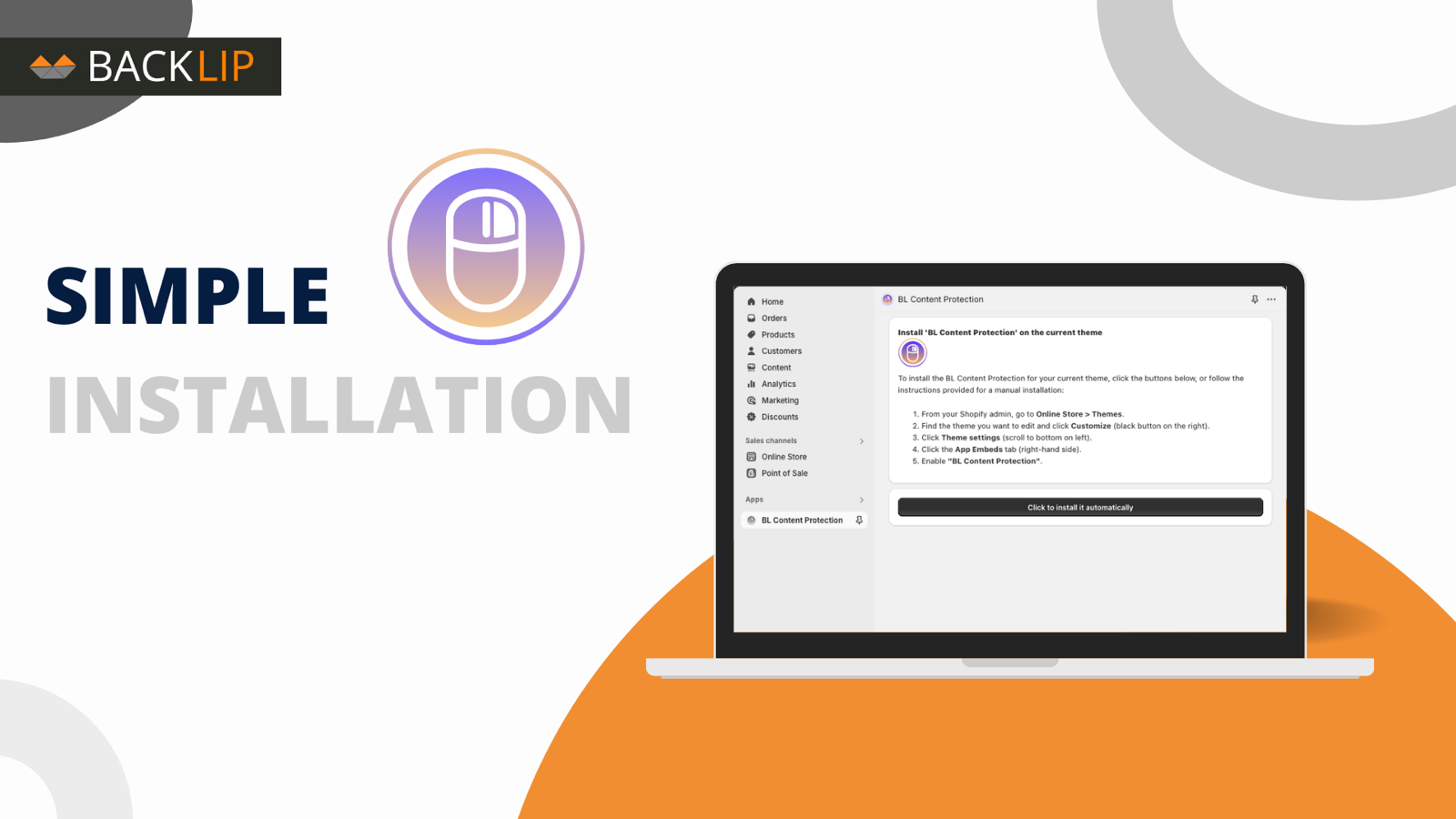
Choose your ecommerce platform above to install the app from its official marketplace. After installation, configure the available settings to match your store’s design, product data, and workflow. This page is designed to help you understand the product before you begin, while the marketplace listing provides the live installation path.
Platform-specific guide
Need a practical workflow before installing? Ecwid content-protection guide