
Backlip app for Shopify, Wix
BL Logo Showcase for Shopify & Wix
Showcase brand logos in a polished, customizable carousel.
BL Logo Showcase helps Shopify and Wix sites display customer, partner, brand, or press logos in a scrolling logo carousel.
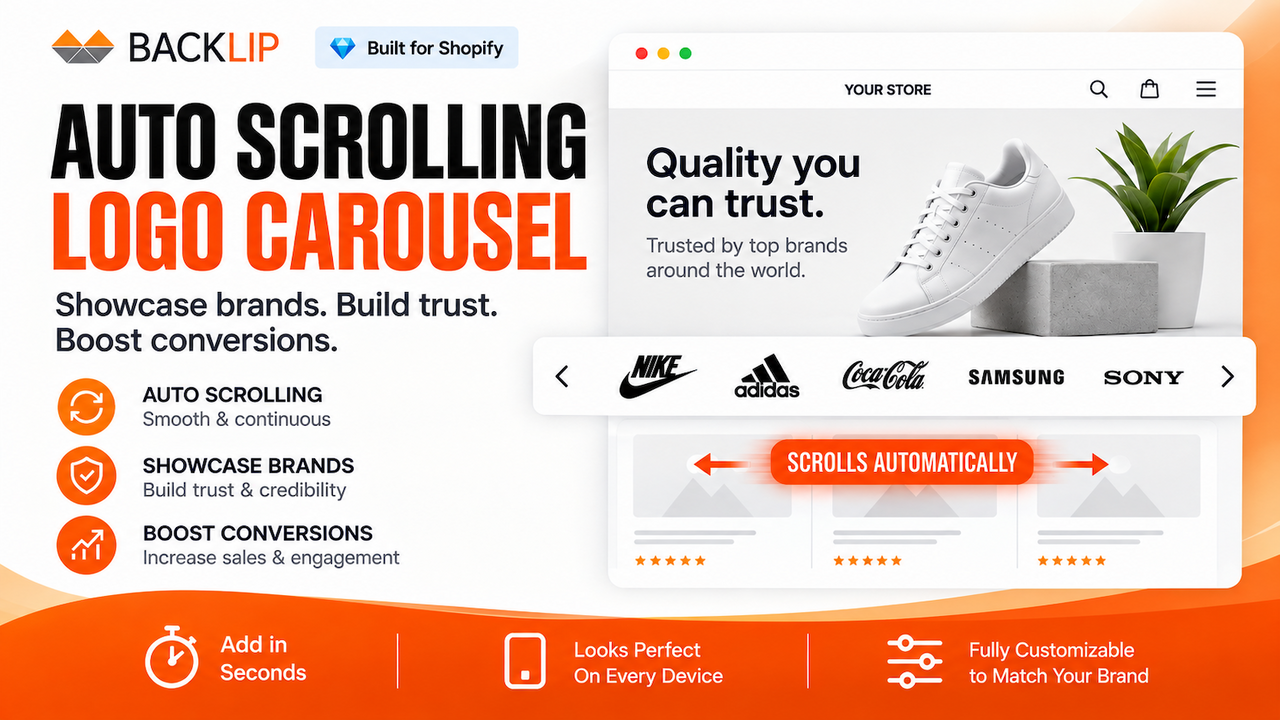
What this app is built to do
Showcase client, partner, brand, or press logos in a customizable responsive carousel. Use a polished rotating logo display to make recognizable associations and social proof easier for visitors to see across a Shopify or Wix site.
Use BL Logo Showcase for Shopify & Wix when you need a focused way to improve this part of your storefront or operational workflow without rebuilding your site. The marketplace buttons above take you directly to the supported platform listing, where you can review current setup and plan details.
Logo showcase FAQs
These answers cover the shared logo-carousel workflow first, followed by separate guidance for the Shopify and Wix versions.
Shared setup and troubleshooting
What kinds of logos can I display?
Use the carousel for customer, partner, retailer, supplier, brand, certification, press, or trust logos that you are authorized to display. A focused collection of recognizable logos is usually more effective than a crowded, uncurated list.
Why do some logos look much larger or smaller than others?
Logo files often have very different proportions: a wide wordmark, square icon, or tall badge will not look identical at the same height. Start with clean, good-resolution source files, transparent backgrounds where suitable, and comparable visible proportions. Then adjust the display settings in the installed app version.
Does the carousel work on mobile?
The display is designed to be responsive, but a mobile screen has less horizontal space. Check logo size, spacing, and motion on both desktop and mobile. If desktop looks correct but mobile does not, look for responsive theme CSS, container width, and mobile-specific settings before assuming an app fault.
Why is the logo section not visible?
Confirm that the app is installed, enabled, and placed on the expected page or theme area. Then verify the active template and check whether the issue occurs on all pages. A screenshot of the theme editor and storefront is the fastest way to diagnose a visibility issue.
Can the logo section match my theme?
Yes, use the app’s available styling options first, then make theme-specific adjustments only when needed. Fonts, spacing, backgrounds, and responsive behavior can be affected by the surrounding theme, so test the finished section on the live layout.
Platform-specific guidance
Shopify: what can I customize?
The Shopify listing documents customizable layout, speed, and style, plus a continuous scrolling loop and responsive presentation. Configure the carousel in the Shopify version, place it on the intended theme/template area, and check the live result across desktop and mobile.
Wix: how should I configure the logo showcase?
Install and configure the native Wix version through its marketplace listing. Use the controls available in that installed version for layout and appearance, and review the live Wix site on desktop and mobile. Do not assume that every Shopify control or placement step is identical in Wix.
What should I send support for help?
Include your platform, site URL, theme or template, a screenshot of the app settings, a screenshot of the live section on desktop and mobile, and the desired result. If the issue concerns a specific image, include that logo file or its dimensions where appropriate.
Logo showcase carousel for Shopify and Wix brand presentation
A logo showcase carousel displays customer, partner, brand, or press logos in a compact scrolling format. BL Logo Showcase helps merchants add visual proof of relationships and recognition while keeping the presentation responsive and aligned with the store’s own design.
It is useful for B2B stores, agencies, multi-brand businesses, wholesale suppliers, or consumer brands that want to present trusted customers, partners, retailers, publications, or supported brands.
Common use cases
- Create a scrolling customer-logo or partner-logo carousel.
- Show brand, stockist, retailer, press, or collaboration logos.
- Add a responsive visual proof section to a Shopify or Wix landing page.
Key considerations
Only display logos you are authorized to use and keep the presentation current. Use good-quality logo files with consistent proportions so the carousel looks intentional across desktop and mobile.
Relevant product-search topics: Shopify logo carousel, Wix logo showcase, partner logo slider, customer logo carousel.
Key capabilities
- Create scrolling logo carousels and logo sliders.
- Highlight customer, partner, brand, or press logos.
- Customize a logo presentation that fits the site design.
Simple installation for supported stores
Choose your ecommerce platform above to install the app from its official marketplace. After installation, configure the available settings to match your store’s design, product data, and workflow. This page is designed to help you understand the product before you begin, while the marketplace listing provides the live installation path.
Core workflow guide
Understand the workflow before installing: Logo Showcase for Shopify & Wix.