Backlip app for Shopify
BL External Links Button for Shopify
Add external purchase, affiliate, and dropshipping links to Shopify products.
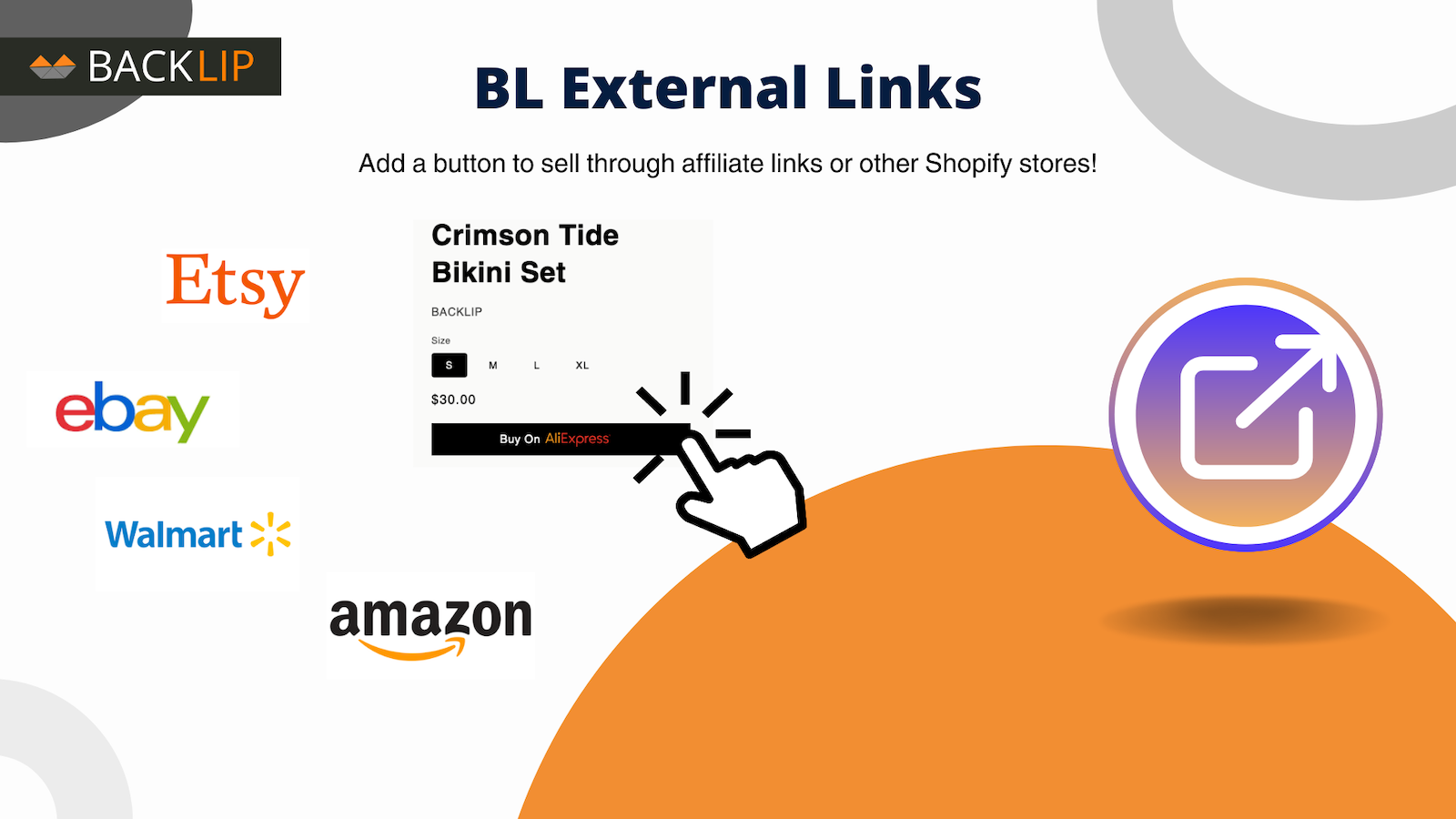
BL External Links Button helps Shopify merchants connect product pages to external destinations for affiliate, dropshipping, and alternative purchase flows.
FAQ & setup guideAnswers for links, blocks, legacy themes and bulk workflows
What this app is built to do
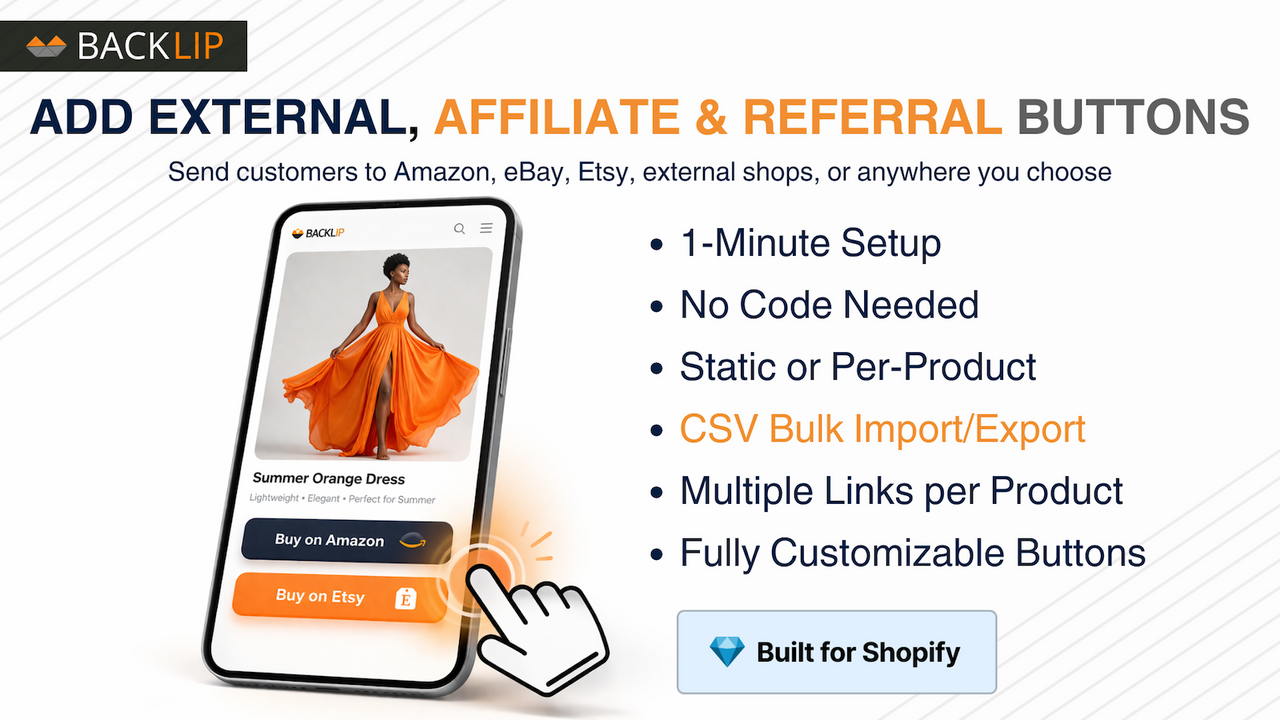
Add external-link buttons to Shopify product pages for affiliate destinations, Amazon or eBay listings, dropshipping flows, and other custom purchase routes. Choose an off-site destination and give visitors a clear call to action from the product page.
Use BL External Links Button for Shopify when you need a focused way to improve this part of your storefront or operational workflow without rebuilding your site. The marketplace buttons above take you directly to the supported platform listing, where you can review current setup and plan details.
Frequently asked questions
Practical answers for merchants setting up external purchase, affiliate, marketplace, and partner links on Shopify product pages.
What does BL External Links Button do?
BL External Links Button adds customizable buttons that send a visitor from a Shopify product page to a URL you configure. It is designed for external retailers, marketplaces, affiliate offers, vendor sites, partner pages, and other off-site purchase or information paths.
Can each product link to a different destination?
Yes. You can create product-specific external links, so one product can point to an Amazon listing while another points to a retailer, distributor, partner, or different marketplace. The app also supports fixed links when the same destination should be used more broadly.
Can I add more than one external button to a product?
Yes. The app supports multiple link buttons on a product, which is useful when shoppers can buy the same item through more than one retailer or marketplace. Use clear labels - such as “Buy on Amazon” or “Find a retailer” - so customers know where each button will take them.
Does an external button use my normal Shopify cart and checkout?
For an external-purchase flow, the button takes the customer to the configured external destination instead of adding that purchase to your store’s normal cart. Use clear labels and disclose affiliate or external purchasing conditions where relevant.
How do I add the button to a Shopify product page?
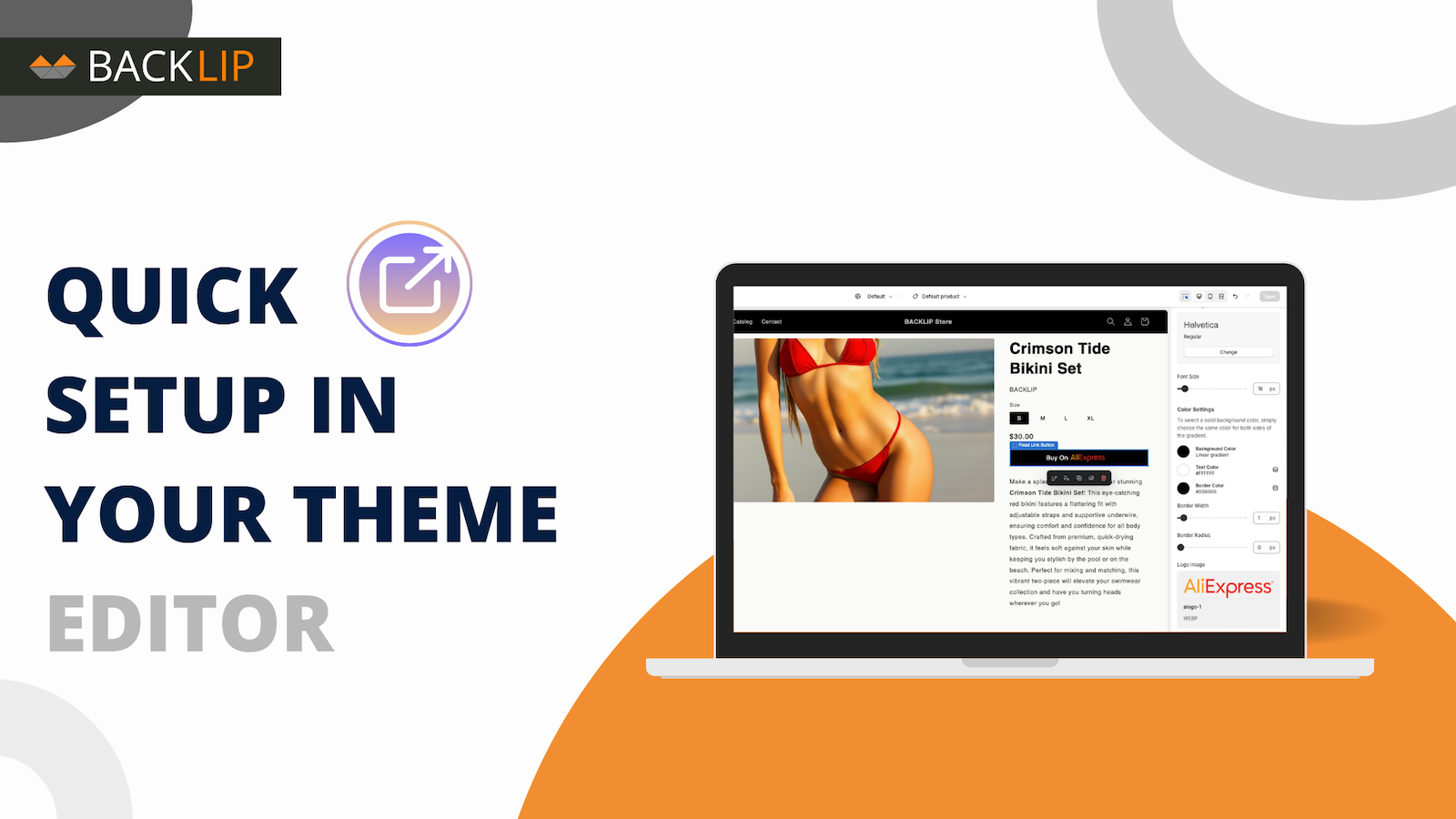
On a theme that supports Online Store 2.0 app blocks, open Online Store → Themes → Customize, select the relevant product template, and add the BL External Links app block where you want the button to appear. The exact placement and settings can vary by theme and product template.
I see an error when I try to add the app block. Can Backlip help with a legacy theme?
Yes. Some older or non–Online Store 2.0 themes do not support app blocks in the same way, and the theme editor can show an error or omit the placement option. Do not try to force the button into theme files yourself. Contact Backlip support with your store URL, theme name and version, product-template name, and a screenshot of the error. We can review the theme and, where appropriate, add or advise the required manual theme-code placement safely. Duplicate or back up your theme before any code change.
Why does the button show on one product but not another?
First confirm that the affected product has an external destination configured. Then compare the product templates: a store can use more than one template, and the BL External Links app block may have been added to only one of them. Add or review the app block on every template where you need the button to appear.
Can the button match my theme’s Add to Cart styling?
The app includes button customization, and further theme-specific CSS can refine the result. An exact visual match depends on your theme’s markup, styles, and responsive rules, so test the result on the live product template rather than relying on a one-size-fits-all CSS snippet.
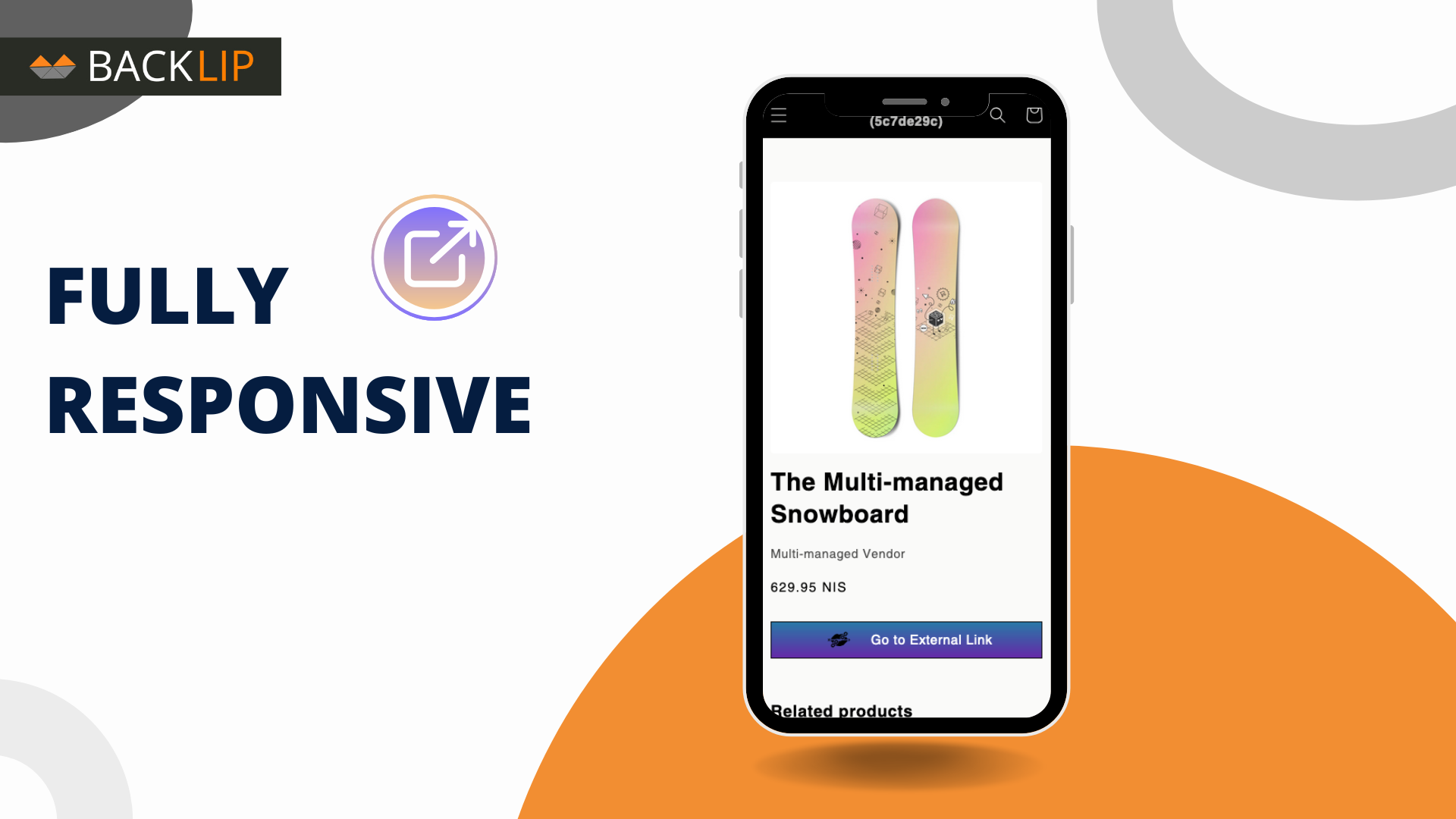
Why does the button look different on mobile?
Mobile layouts often apply different theme CSS for width, spacing, font size, and text wrapping. Review the button on the mobile product template and adjust its settings or theme-specific responsive styling as needed.
Can I manage many external links in bulk?
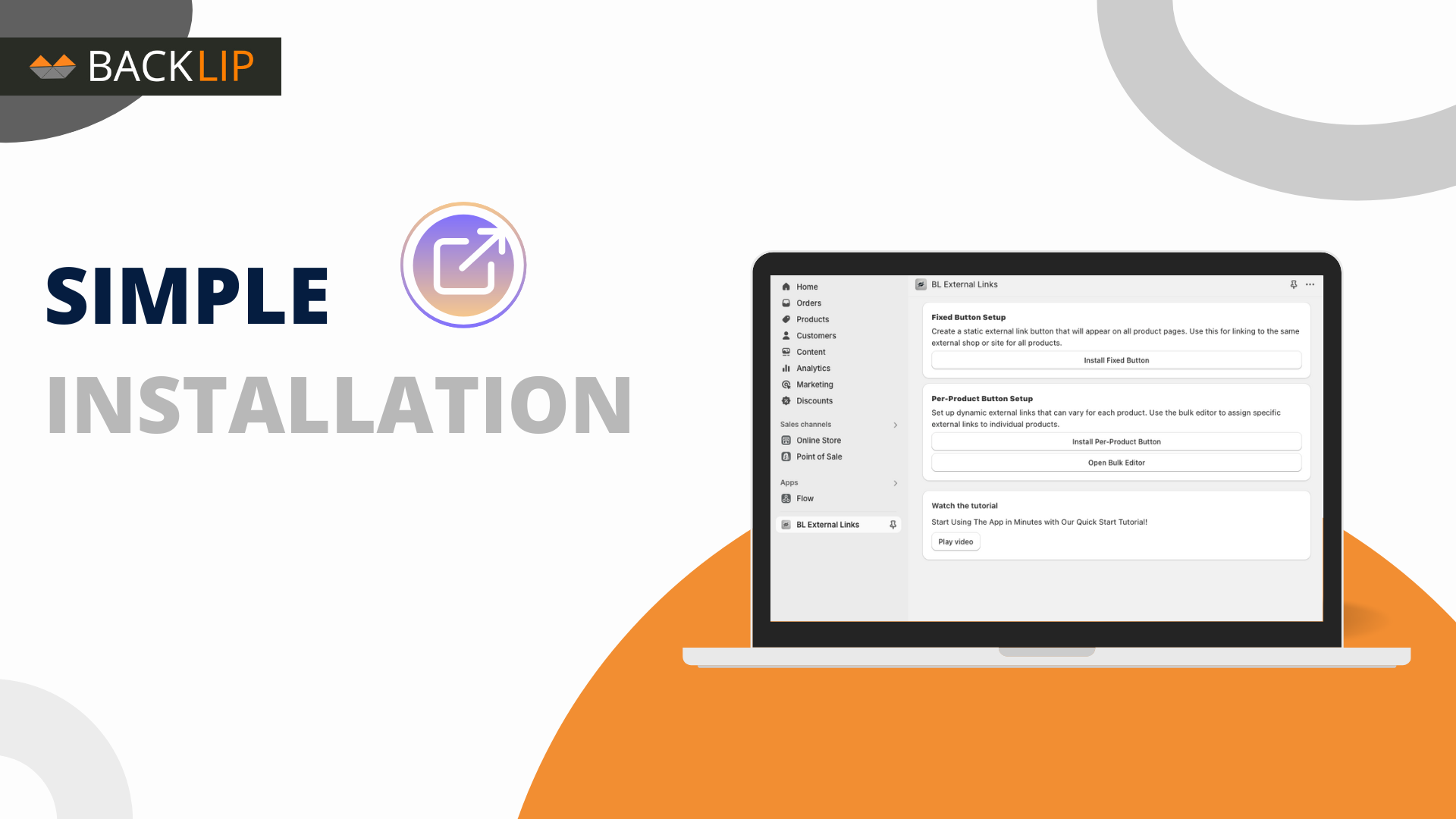
Yes. The app supports link management in bulk, including CSV import and export. Start from an exported file whenever possible, preserve the headers and structure, edit your values, and save the final file as CSV before importing it.
What should I send support if I need help?
Share the affected product URL, your theme name, the product template in use, a screenshot of the issue, and the expected result. Those details make it much easier to tell whether the issue is related to product configuration, an app block, a template, or theme styling.
External links button for Shopify products for affiliate, dropshipping, and alternative purchase flows
An external links button gives a Shopify product page a clear route to a destination outside the native store checkout. BL External Links Button supports links for affiliate offers, marketplaces, dropshipping workflows, vendor pages, or another off-site purchase path where a standard add-to-cart action is not the right fit.
It is useful for publishers, affiliate businesses, catalogues that connect to marketplace listings, product directories, and merchants whose purchase flow continues through an external destination.
Common use cases
- Add an external purchase or affiliate button to a Shopify product page.
- Send a product visitor to an Amazon, eBay, vendor, dropshipping, or other external destination.
- Use a clear custom call to action when a product should not follow the standard cart flow.
Key considerations
Disclose affiliate relationships and external purchasing conditions where applicable. Use trustworthy destinations, clear button labels, and working links so customers understand that they are leaving the Shopify storefront.
Relevant product-search topics: Shopify external link button, Shopify affiliate product link, external purchase button, dropshipping product link.
Key capabilities
- Add external purchase links to Shopify product pages.
- Support affiliate and dropshipping workflows.
- Create a clearer route to an off-site buying destination.
Simple installation for supported stores
Choose your ecommerce platform above to install the app from its official marketplace. After installation, configure the available settings to match your store’s design, product data, and workflow. This page is designed to help you understand the product before you begin, while the marketplace listing provides the live installation path.
Platform-specific guide
Need a practical workflow before installing? Shopify external links buttons for product pages.
Need a step-by-step setup guide? Read How to Add External Purchase Buttons to Shopify Product Pages.