
Native age-gate app for Shopify, Wix, Ecwid & Cafe24
BL Age Verification Popup for Shopify, Wix, Ecwid & Cafe24
Add clear, configurable age checks that help keep restricted storefront content available only to the customers who should see it.
BL Age Verification Popup gives merchants simple Yes/No and birthdate-entry options, plus flexible messaging and design controls for a consistent compliance experience.
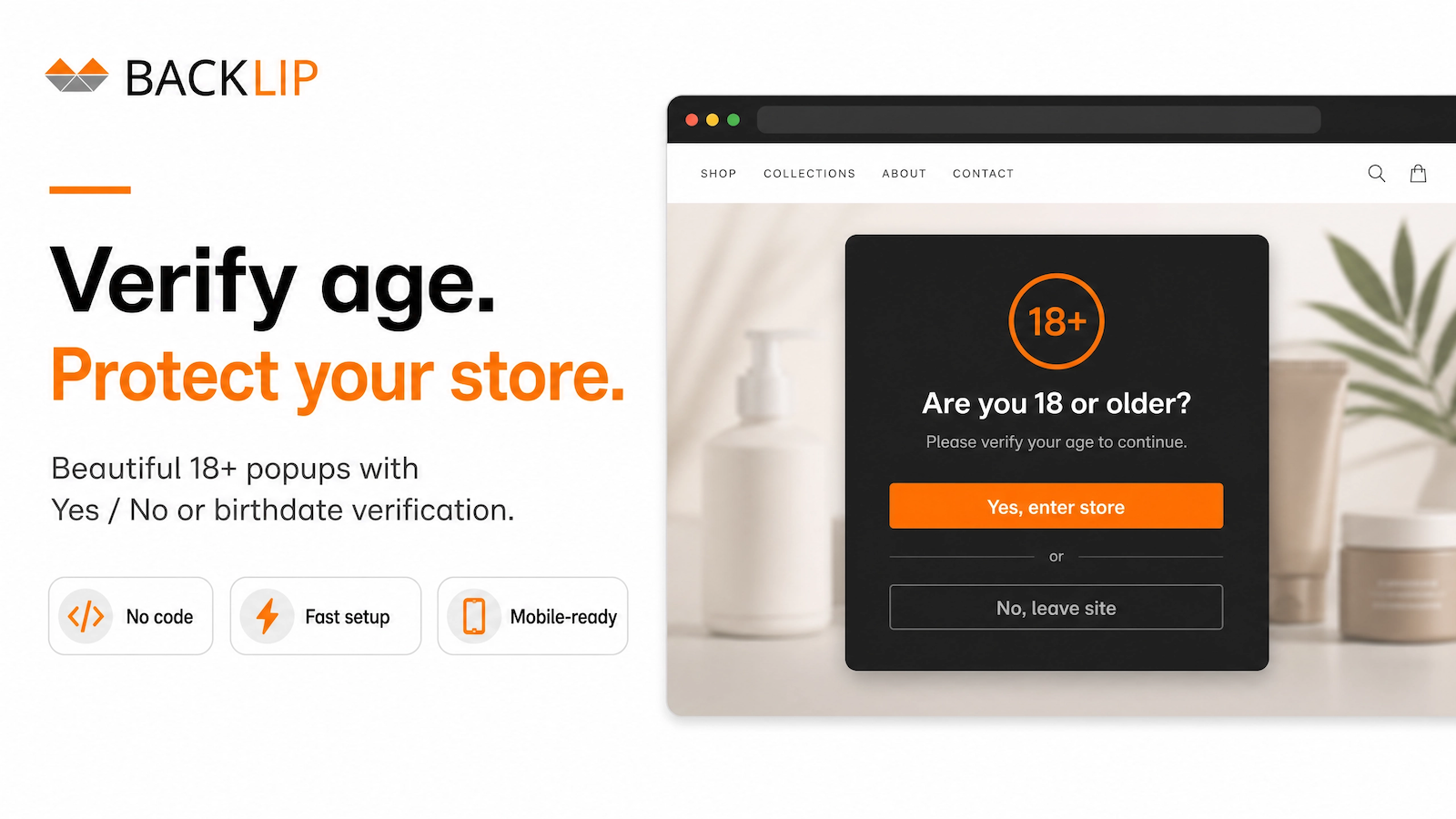
What BL Age Verification Popup is built to do
Give visitors a clear age-gate before they reach restricted content, regulated products, or age-sensitive offers. Choose a direct Yes/No confirmation or a date-of-birth entry, then tailor the message and appearance to your storefront.
The app helps merchants add a straightforward first step for alcohol, vape, tobacco, adult, CBD, and other age-restricted product ranges without a custom development project.
Age verification for Shopify, Wix, Ecwid & Cafe24
BL Age Verification Popup is available through the native marketplaces for Shopify, Wix, Ecwid, and Cafe24. Install it on the platform that runs your storefront, then configure the access message, required age, and preferred verification flow.
Common use cases
- Show an 18+ or custom age confirmation before visitors enter a regulated collection or storefront.
- Use a date-of-birth prompt where a more specific age check is appropriate.
- Set brand-aligned messaging for alcohol, tobacco, vape, CBD, adult, and other restricted goods.
- Create a consistent access flow across a multi-store platform footprint.
Key considerations
Use language that is clear about why the check appears and what will happen after the customer confirms. Review your final configuration against the regulations and selling policies applicable to your market and products.
Relevant product-search topics: age verification popup, 18+ popup for Shopify, Wix age gate, Ecwid age verification, Cafe24 age verification, and ecommerce compliance popup.
Key capabilities
- Choose simple Yes/No confirmation or date-of-birth entry.
- Customize age-gate copy and visual treatment to fit your store brand.
- Use a clear access control layer for age-sensitive products and content.
- Install natively through Shopify, Wix, Ecwid, or Cafe24.
Install on your platform
Choose your platform above to open the official marketplace listing. There you can review current plan details and install the native app for your store.
Simple installation for supported stores
Choose your ecommerce platform above to install the app from its official marketplace. After installation, configure the available settings to match your store’s design, product data, and workflow. This page is designed to help you understand the product before you begin, while the marketplace listing provides the live installation path.
Platform-specific guide
Need a practical workflow before installing? Wix age-verification popup guide / For the wider picture - when online stores need age verification and what it commonly involves for regulated products - read the age verification guide.