Backlip app for Shopify, Wix
BL Before & After Slider for Shopify & Wix
Let visitors compare two images with an interactive before-and-after slider.
BL Before & After helps Shopify and Wix merchants present transformations, product comparisons, and visual proof in a clear interactive format.
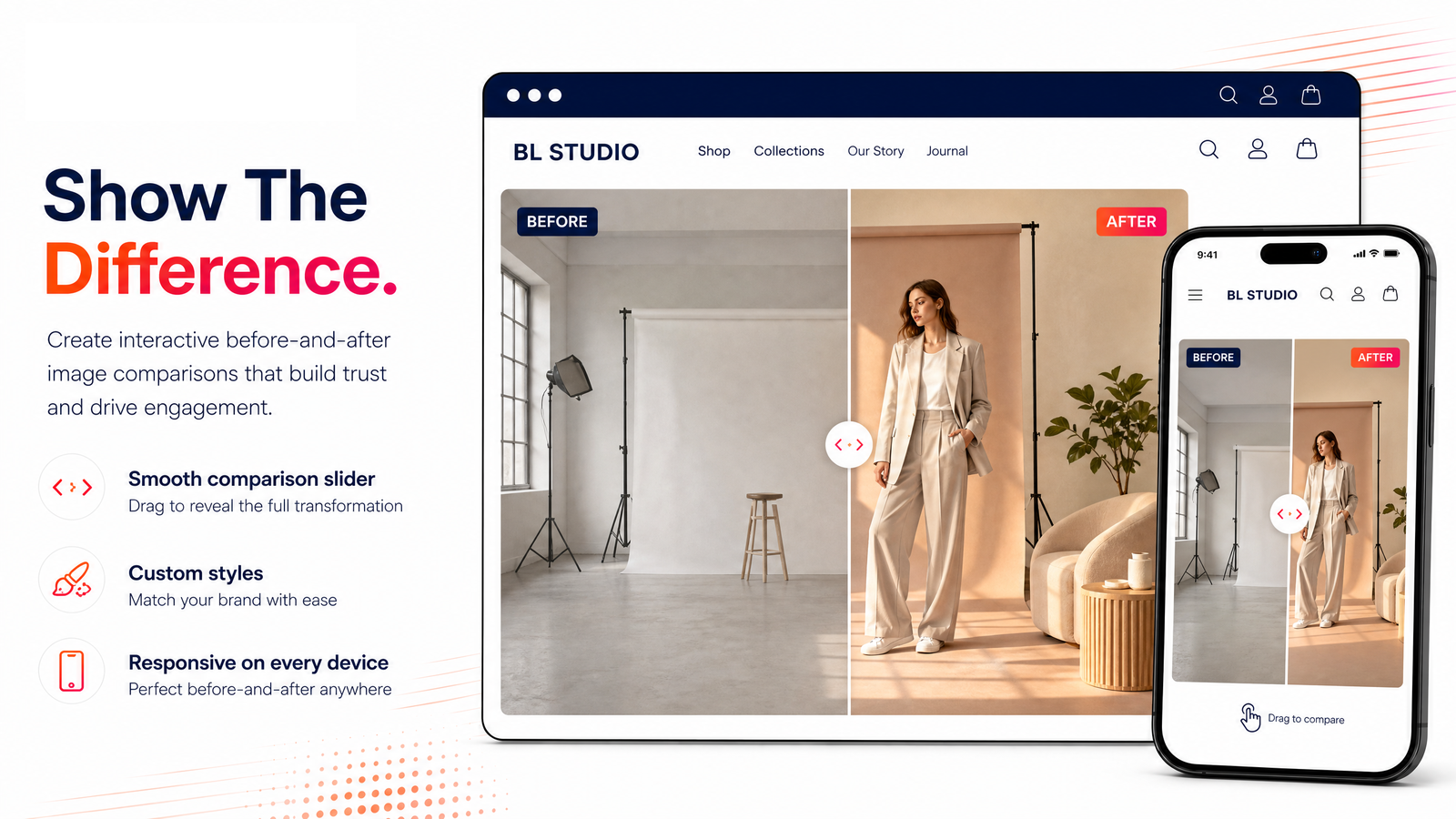
What this app is built to do
Create an interactive before-and-after comparison slider for transformations, product results, and visual comparisons. The slider gives merchants a focused way to help visitors examine two images in the same space instead of presenting them as separate static assets.
Use BL Before & After Slider for Shopify & Wix when you need a focused way to improve this part of your storefront or operational workflow without rebuilding your site. The marketplace buttons above take you directly to the supported platform listing, where you can review current setup and plan details.
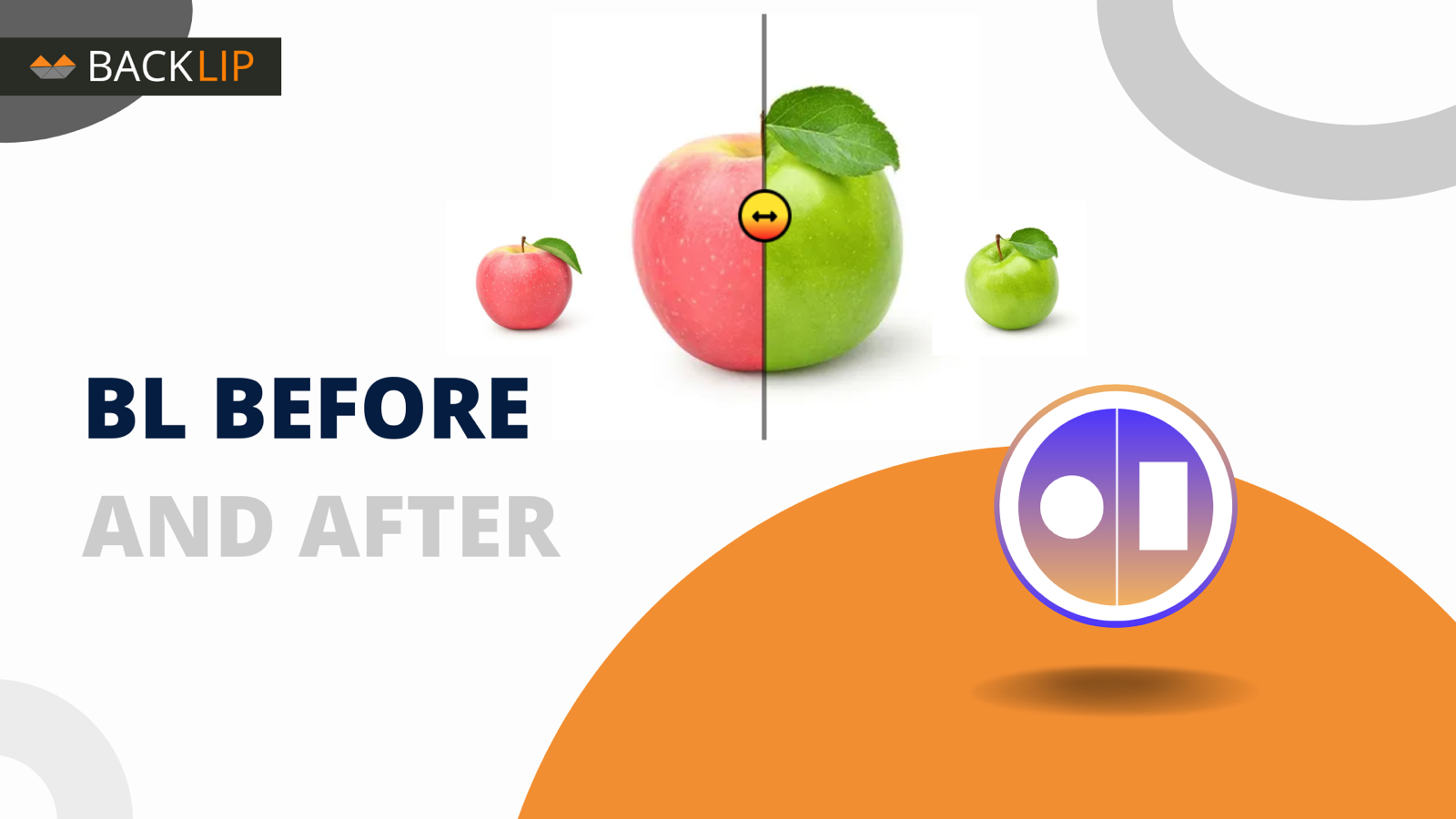
Before and after image slider for Shopify and Wix visual storytelling
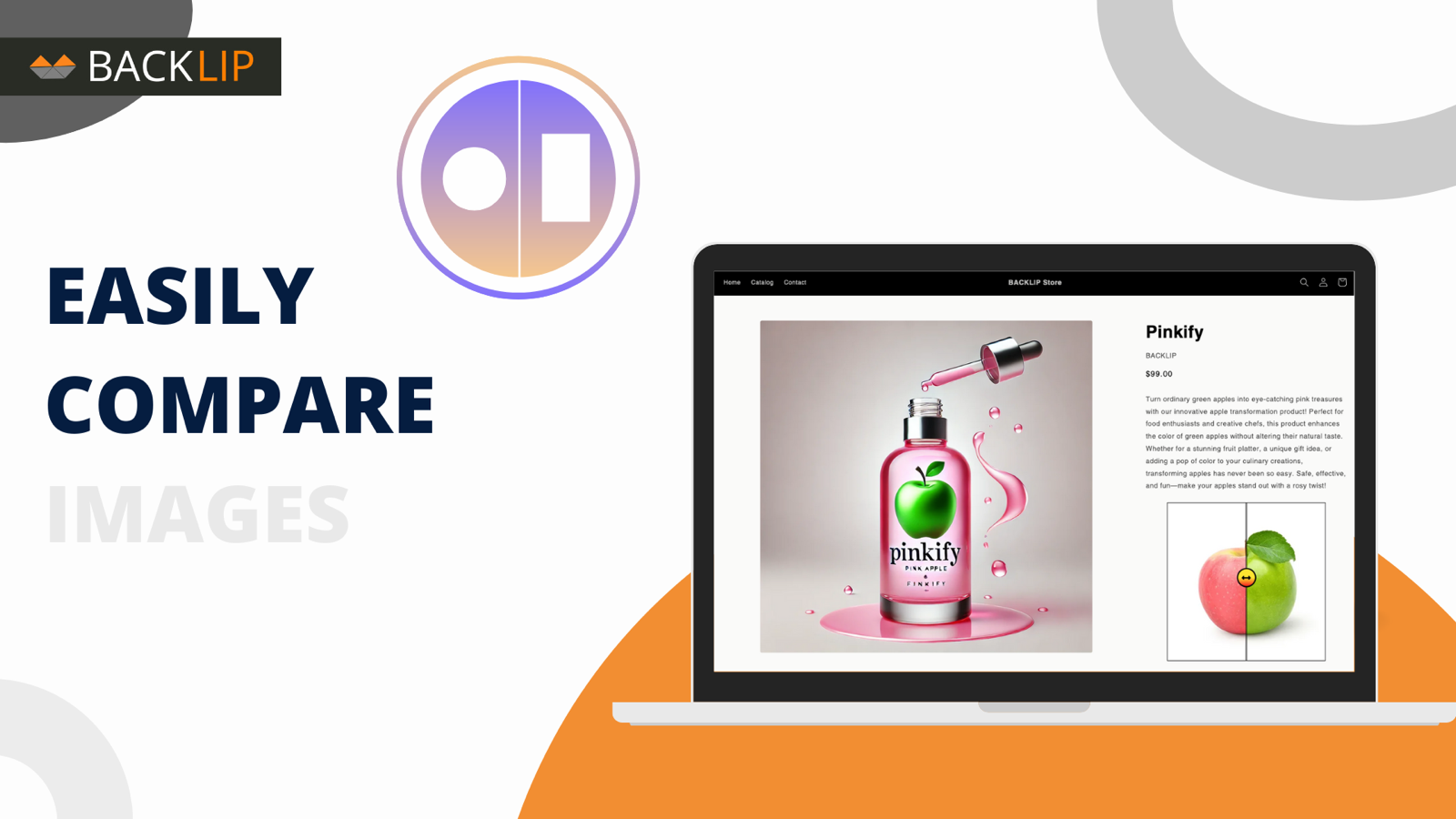
A before and after image slider lets visitors compare two visuals in the same frame by moving a draggable divider. BL Before & After Slider gives merchants a focused way to show transformations, product results, restoration work, design comparisons, or other evidence that is clearer when seen side by side.
It works well for beauty, home improvement, photography, fitness, automotive, creative, and product-led brands that need to demonstrate a visual change without a long explanation.
Common use cases
- Show a product transformation or before-and-after result.
- Compare an original image with a finished design, restoration, or edit.
- Add interactive visual proof to a product page, portfolio, or promotion landing page.
Key considerations
Use two images with the same aspect ratio and meaningful visual difference. Provide accurate context for the comparison and avoid implying results that are not representative of the product or service.
Relevant product-search topics: Shopify before after slider, Wix image comparison, interactive before and after, visual proof slider.
Key capabilities
- Create interactive before-and-after image comparisons.
- Present transformations and visual proof more clearly.
- Use a focused visual element without custom development.
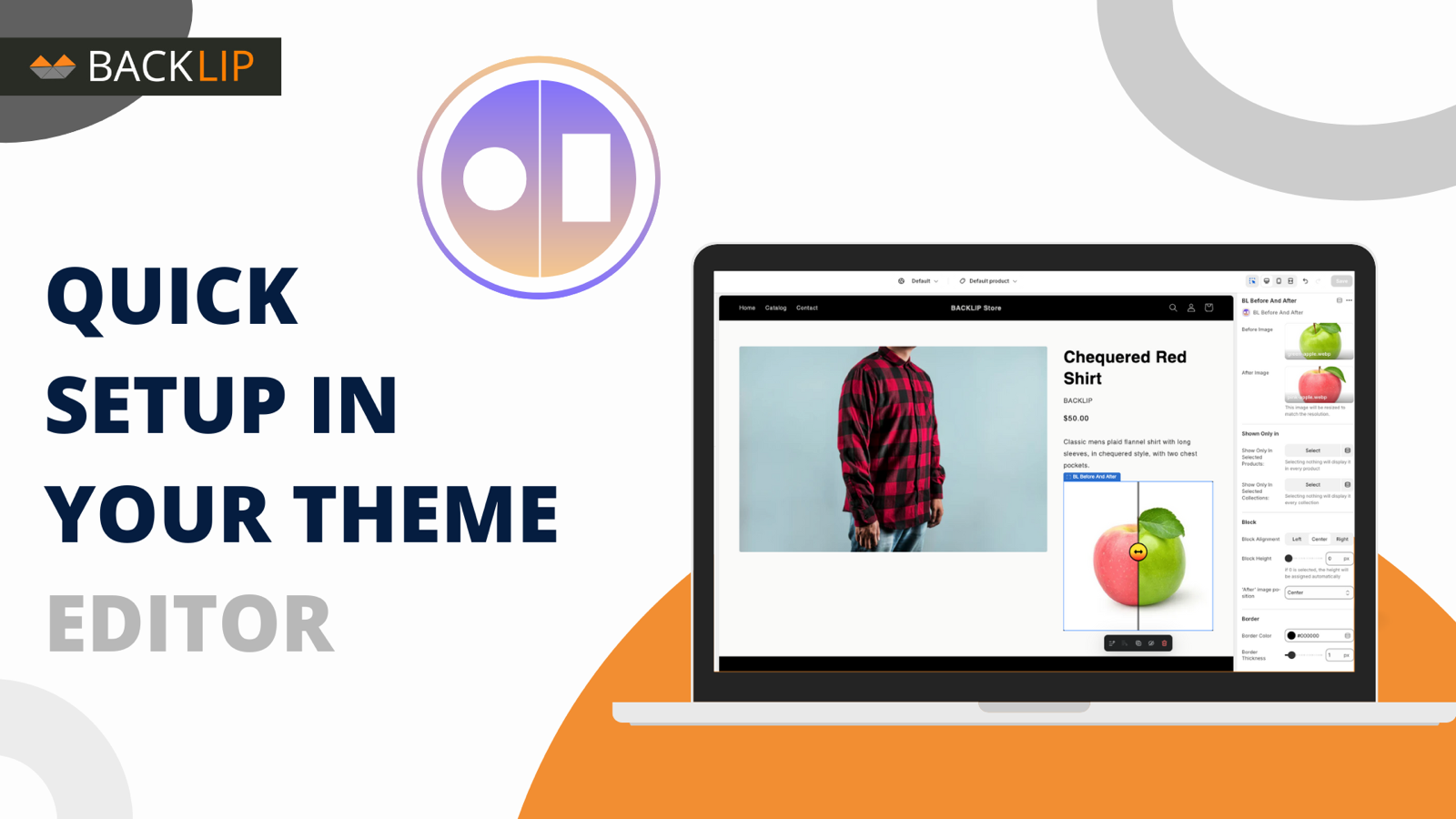
Simple installation for supported stores
Choose your ecommerce platform above to install the app from its official marketplace. After installation, configure the available settings to match your store’s design, product data, and workflow. This page is designed to help you understand the product before you begin, while the marketplace listing provides the live installation path.