
Backlip app for Shopify
BL Image Slider & Carousel for Shopify
Create mobile-ready image carousels for product galleries, banners, and promotions.
BL Image Slider gives Shopify merchants configurable image carousels with navigation, thumbnails, auto-play, transition effects, and responsive styling controls.
What this app is built to do
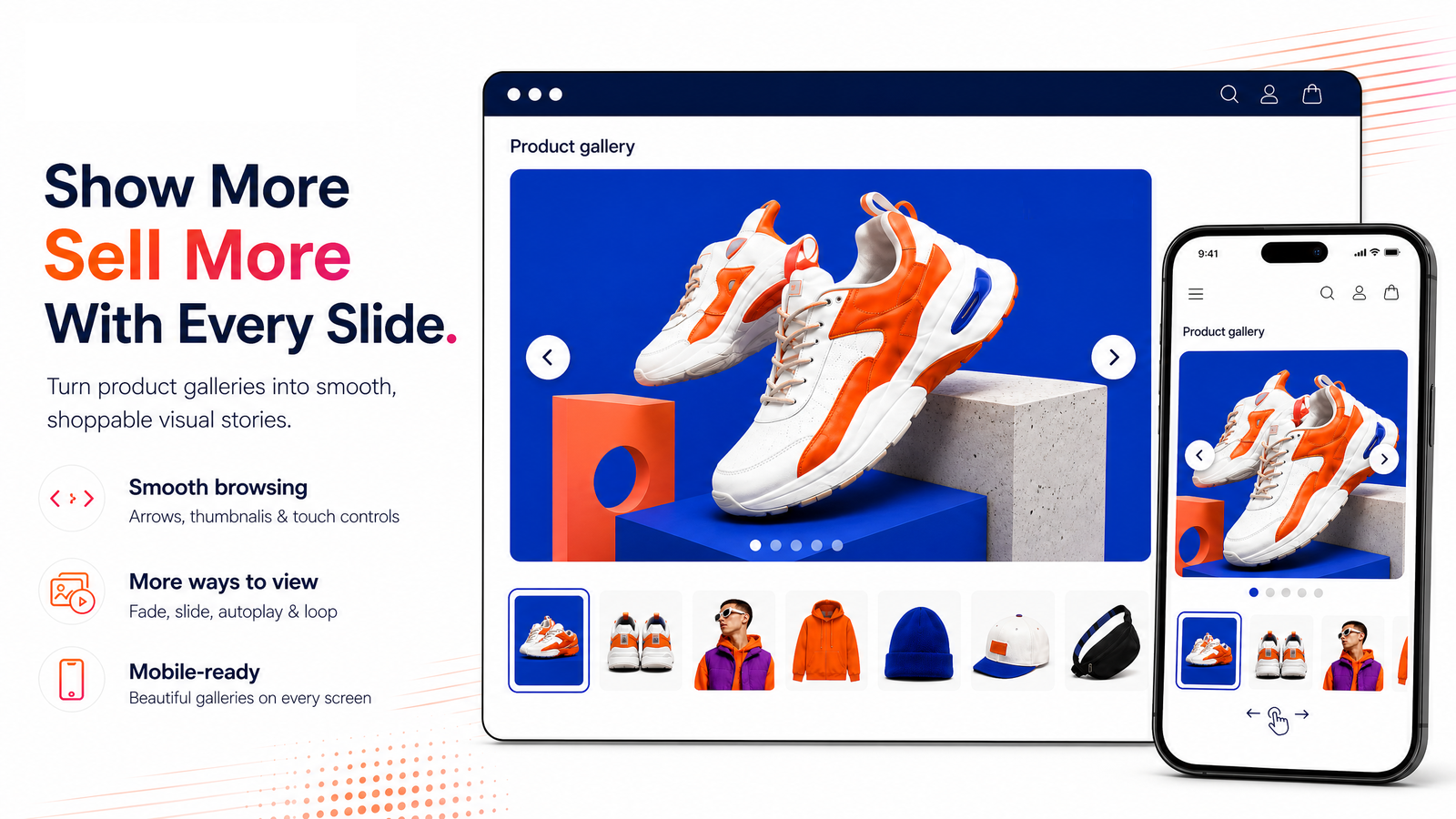
Create mobile-responsive image carousels for product galleries, banners, and visual storytelling. Add unlimited images, select fade or slide transitions, show navigation arrows and thumbnails, and control auto-play timing and styling from a theme block.
Use BL Image Slider & Carousel for Shopify when you need a focused way to improve this part of your storefront or operational workflow without rebuilding your site. The marketplace buttons above take you directly to the supported platform listing, where you can review current setup and plan details.
Shopify image slider and carousel for product galleries, banners, and storefront sections
A Shopify image slider or carousel creates a compact way to present several images in a limited page area. BL Image Slider supports responsive image carousels for product imagery, promotional banners, editorial visuals, and homepage sections with navigation, thumbnails, transitions, and timing controls.
It is suitable for merchants and designers who need a configurable gallery component but prefer a no-code workflow rather than custom carousel development.
Common use cases
- Add a responsive image carousel to a product or landing-page section.
- Rotate campaign banners, collection visuals, or multiple product views.
- Give visitors arrows, thumbnails, auto-play controls, or a slide and fade transition.
Key considerations
Use optimized images with a consistent aspect ratio, keep key text out of the image where possible, and confirm that navigation remains clear on mobile. Avoid auto-play settings that make product information difficult to read.
Relevant product-search topics: Shopify image slider, Shopify carousel app, responsive product image gallery, banner slider Shopify.
Key capabilities
- Add navigation arrows and thumbnail previews.
- Configure auto-slide timing, hover pause, and transitions.
- Customize colors, borders, icons, and responsive dimensions.
Simple installation for supported stores
Choose your ecommerce platform above to install the app from its official marketplace. After installation, configure the available settings to match your store’s design, product data, and workflow. This page is designed to help you understand the product before you begin, while the marketplace listing provides the live installation path.