
Backlip app for Shopify, Wix
BL Stock Counter for Shopify & Wix
Show product-stock signals that help shoppers make decisions with confidence.
BL Stock Counter adds configurable stock indicators to product and collection pages so a store can communicate availability clearly.
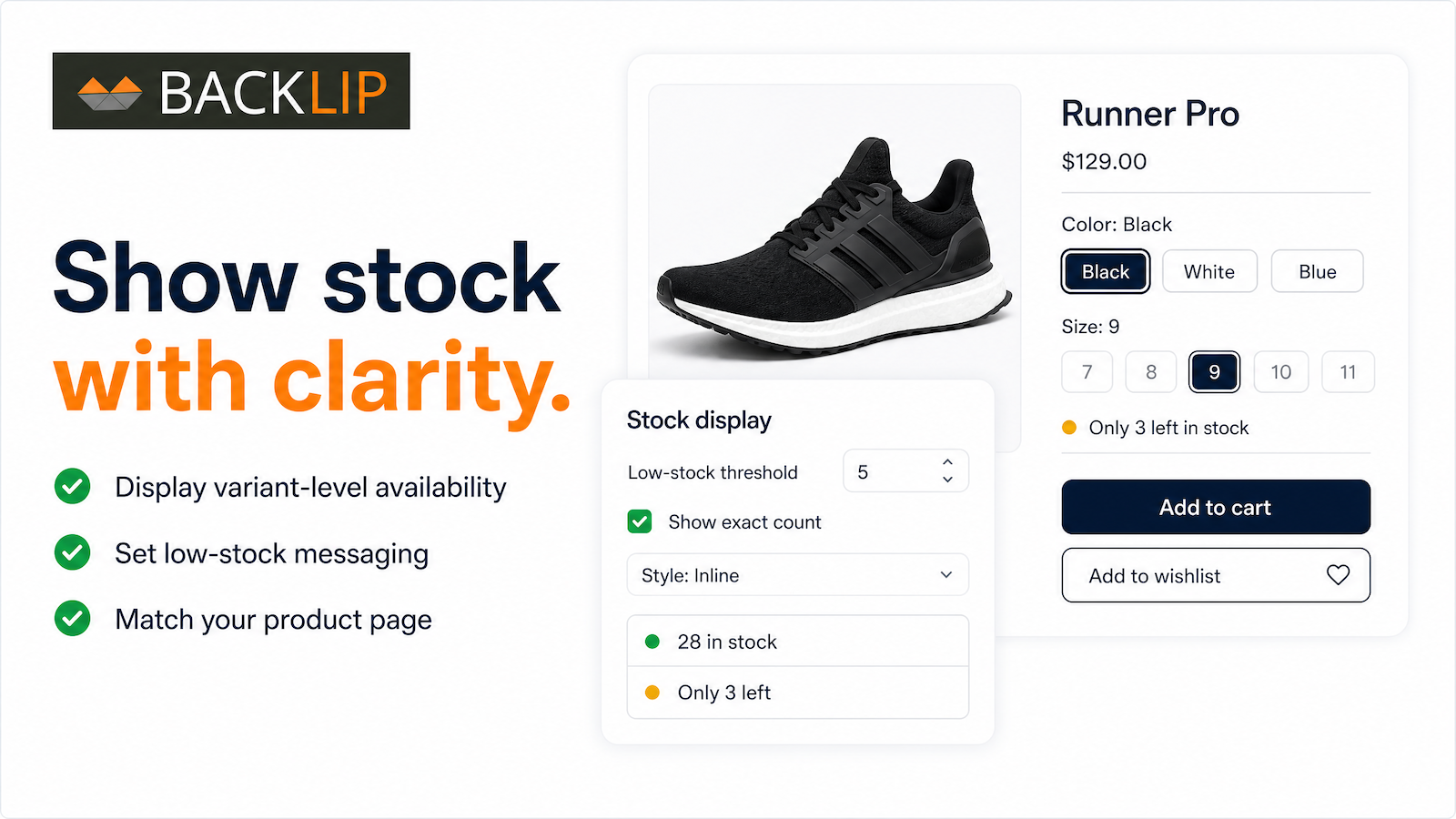
What this app is built to do
Display accurate inventory levels directly on product pages with customizable stock messaging. Show quantities or tailored low-stock, last-item, and out-of-stock signals, with support for variant-level or combined stock tracking and multi-location inventory workflows.
Use BL Stock Counter for Shopify & Wix when you need a focused way to improve this part of your storefront or operational workflow without rebuilding your site. The marketplace buttons above take you directly to the supported platform listing, where you can review current setup and plan details.
Product stock counter for Shopify and Wix stores
A product stock counter makes current availability easier to understand where shoppers are making a decision. BL Stock Counter supports clear inventory messaging, low-stock signals, last-item prompts, and out-of-stock information that can be matched to a storefront’s presentation.
This app is relevant to merchants managing limited runs, seasonal inventory, launch drops, or products where customers benefit from an immediate availability signal on product and collection pages.
Common use cases
- Show remaining inventory on a product page or collection page.
- Display low-stock messaging for a limited product run or time-sensitive launch.
- Use product or variant-level availability information in a responsive storefront component.
Key considerations
Use truthful inventory data and avoid urgency language that does not reflect actual stock. Choose a counter style that is readable on mobile and does not distract from the product price, options, or purchase controls.
Relevant product-search topics: Shopify stock counter, Wix inventory counter, low stock indicator, product availability app.
Key capabilities
- Display product inventory and limited-stock indicators.
- Choose counter styles, themes, and color treatments.
- Use responsive stock signals on product and collection pages.
Simple installation for supported stores
Choose your ecommerce platform above to install the app from its official marketplace. After installation, configure the available settings to match your store’s design, product data, and workflow. This page is designed to help you understand the product before you begin, while the marketplace listing provides the live installation path.