
Backlip app for Wix, Ecwid
BL Social Icons Bar for Wix & Ecwid
Add a customizable social-media icon bar that fits a store’s visual identity.
BL Social Icons Bar helps Wix and Ecwid merchants make their social profiles easier to find with configurable icons, placement, and visual styles.
What this app is built to do
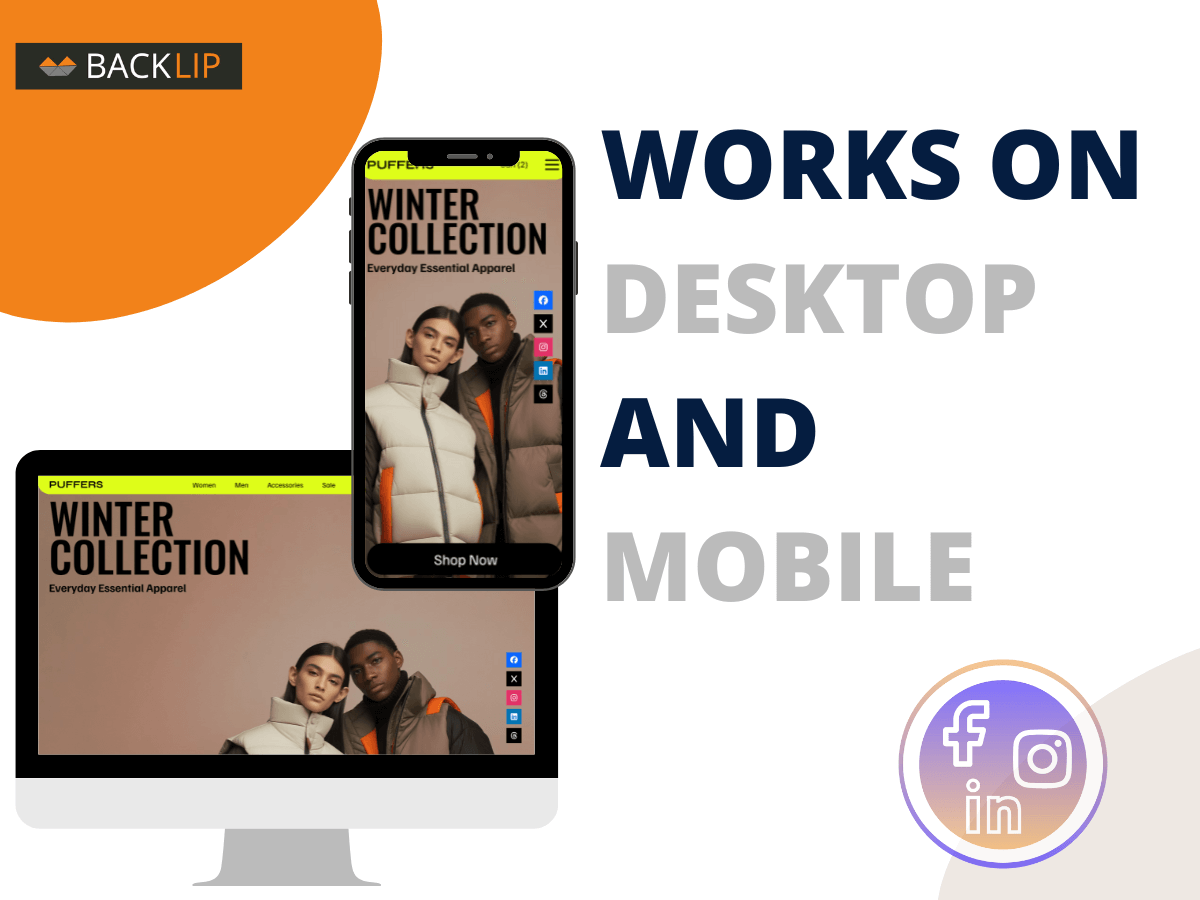
Add up to 10 adjustable social-media icons to a Wix or Ecwid storefront. Customize colors, shapes, sizes, hover effects, placement, and open-in-new-tab behavior so visitors can find and follow the brand more easily.
Use BL Social Icons Bar for Wix & Ecwid when you need a focused way to improve this part of your storefront or operational workflow without rebuilding your site. The marketplace buttons above take you directly to the supported platform listing, where you can review current setup and plan details.
Social media icons bar for Wix and Ecwid storefronts
A social media icons bar gives visitors a visible route from a store to the brand’s external social profiles. BL Social Icons Bar supports configurable social icons, placement, hover effects, shapes, colors, and sizes so the presentation can complement the existing Wix or Ecwid design.
It is useful for merchants who build community, publish content, provide social proof, or use social channels as an important part of customer service and brand discovery.
Common use cases
- Add a fixed or embedded social icon bar to a storefront.
- Link visitors to brand profiles while matching the colors and shape treatment of the site.
- Use hover effects and clear placement to keep social destinations easy to find.
Key considerations
Only link to maintained brand channels and use labels or accessible context where possible. Keep social links separate from primary purchase calls to action so they do not draw attention away from the shopping flow.
Relevant product-search topics: Wix social icons bar, Ecwid social media icons, floating social links, social follow buttons.
Key capabilities
- Add up to 10 social-media icons.
- Customize icon colors, shapes, sizes, and hover effects.
- Position a social bar where it is easy for visitors to find.
Simple installation for supported stores
Choose your ecommerce platform above to install the app from its official marketplace. After installation, configure the available settings to match your store’s design, product data, and workflow. This page is designed to help you understand the product before you begin, while the marketplace listing provides the live installation path.