
Backlip app for Shopify
BL Payment Icons Trust Badges for Shopify
Show payment methods and trust signals with flexible SVG icons.
BL Payment Icons Trust Badges helps Shopify merchants add clear payment-method icons and trust signals where shoppers need reassurance.
What this app is built to do
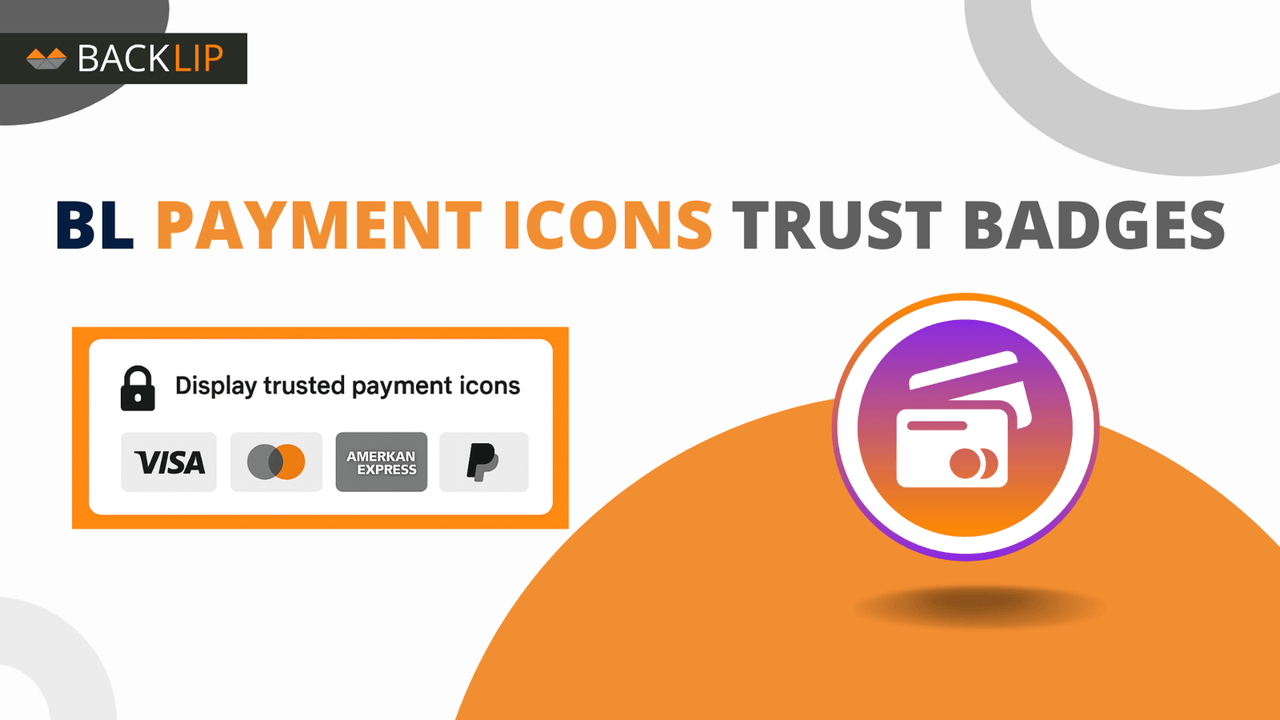
Show lightweight SVG payment icons and trust badges across a Shopify storefront. Choose from more than 60 payment-method and trust options, then control colors, sizes, borders, gaps, alignment, and separate desktop and mobile presentation.
Use BL Payment Icons Trust Badges for Shopify when you need a focused way to improve this part of your storefront or operational workflow without rebuilding your site. The marketplace buttons above take you directly to the supported platform listing, where you can review current setup and plan details.
Shopify payment icons and trust badges for Shopify storefronts
Payment icons and trust badges help customers recognize accepted payment methods and locate familiar security or reassurance signals. BL Payment Icons Trust Badges uses flexible SVG assets so merchants can present a clean set of payment and trust marks without relying on a large image file.
The app is useful for stores that want to reinforce payment clarity near product information, cart messaging, the footer, or another important purchase decision point.
Common use cases
- Display accepted card, wallet, or payment-method icons near purchase controls.
- Add a security or trust signal to a store section where shoppers may need reassurance.
- Adjust icon size, color, spacing, border, or alignment for desktop and mobile.
Key considerations
Only show payment methods and trust claims that accurately apply to the store. Keep icon groups concise and place them where they support, rather than overcrowd, the checkout path.
Relevant product-search topics: Shopify payment icons, Shopify trust badges, payment method logos, SVG payment icons.
Key capabilities
- Display SVG payment-method icons.
- Add security and trust signals to key storefront areas.
- Choose an icon presentation that fits the store design.
Simple installation for supported stores
Choose your ecommerce platform above to install the app from its official marketplace. After installation, configure the available settings to match your store’s design, product data, and workflow. This page is designed to help you understand the product before you begin, while the marketplace listing provides the live installation path.
Platform-specific guide
Need a practical workflow before installing? Shopify payment icons and trust badges guide