Native promotion-bar app for Shopify, Wix, Ecwid, BigCommerce & Shoper
BL Scrolling Announcement Bar for Shopify, Wix, Ecwid, BigCommerce & Shoper
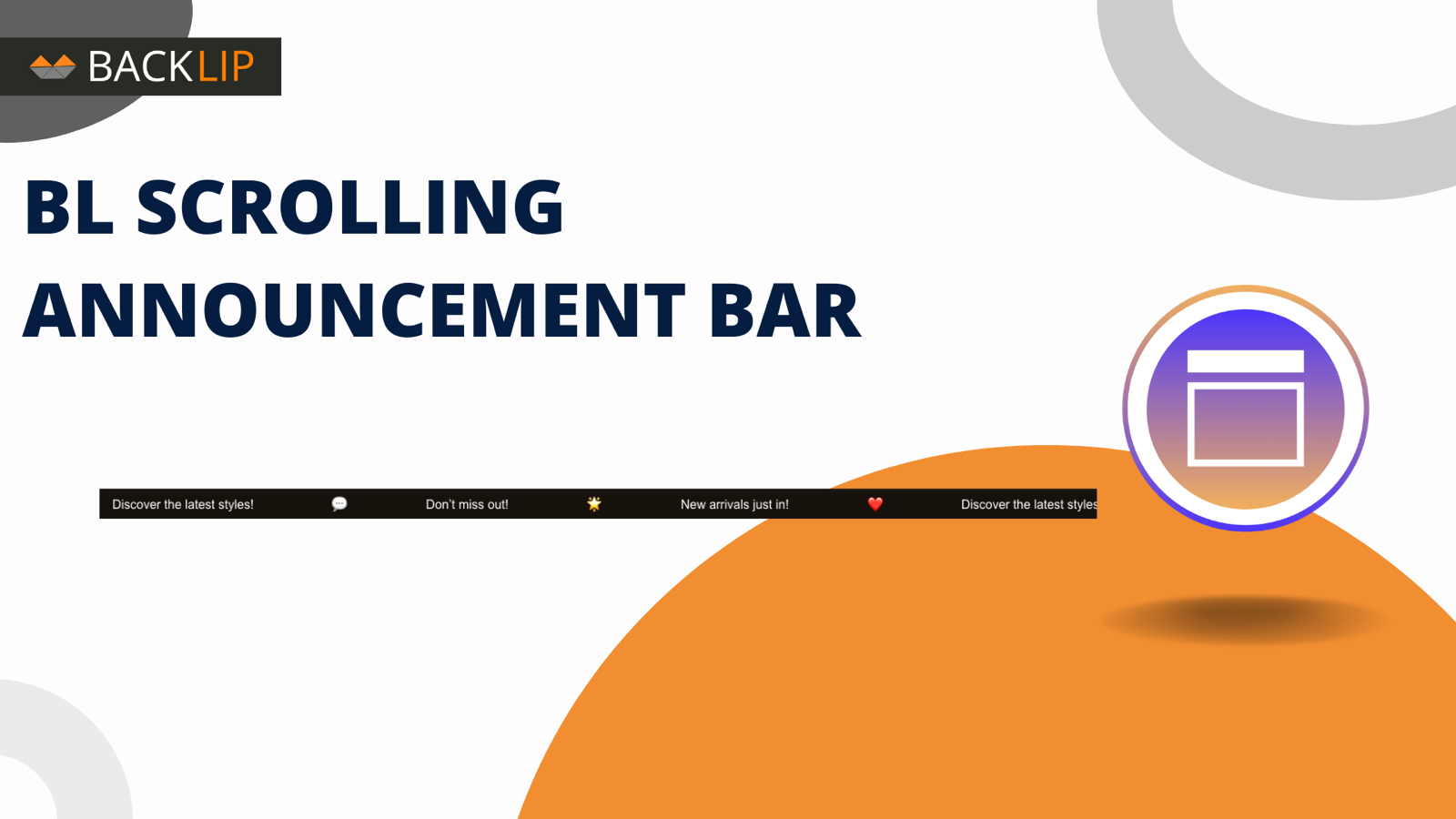
Keep shipping thresholds, offers, flash sales, and service updates visible with a flexible moving announcement bar.
BL Scrolling Announcement Bar gives merchants a fast, highly visible way to surface timely messages across a storefront without rebuilding their theme.
What BL Scrolling Announcement Bar is built to do
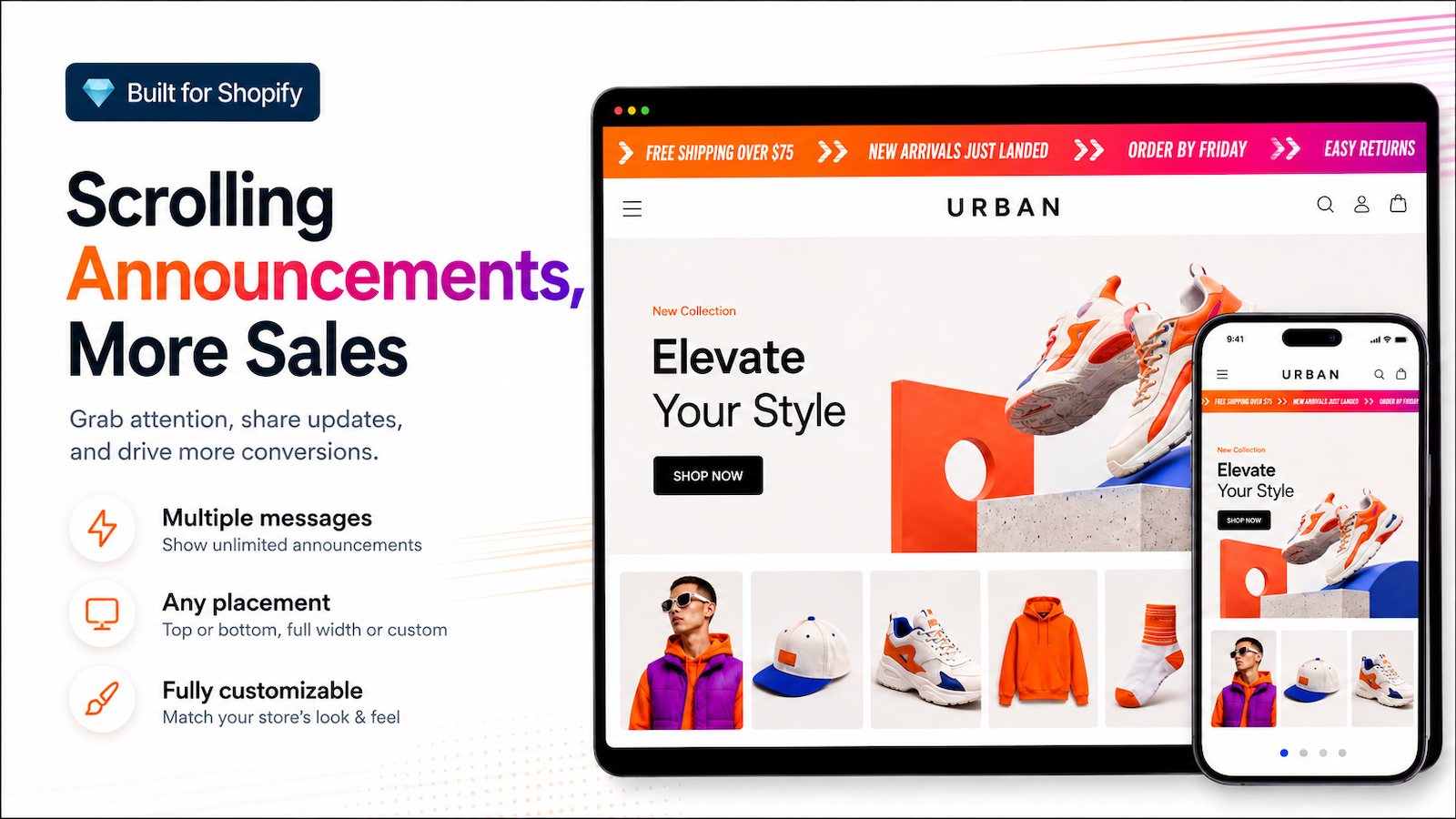
Promote the message shoppers need to see without asking them to hunt for it. Add a scrolling announcement bar for free-shipping targets, promotion codes, limited offers, delivery updates, or launch announcements, then tailor the wording and presentation to your storefront.
It is a focused promotional layer for teams that want quick, visible communication without a theme-development task.
Scrolling announcement bar FAQs
Use the shared guidance for messaging and troubleshooting, then check the platform section for the version installed on your storefront.
Shared setup and troubleshooting
What should I put in a scrolling announcement bar?
Use one short, timely message that shoppers can understand at a glance: a free-shipping threshold, promotion, delivery update, collection launch, or important service notice. Keep the wording focused and update it when the campaign changes.
Why is the bar not visible or not where I expected?
First confirm the app is installed, enabled, and added to the intended page or theme area. Then check whether the issue occurs on every page or only a particular template. A header, app-block placement, or theme setting can affect where the bar appears.
Why does it look different on mobile?
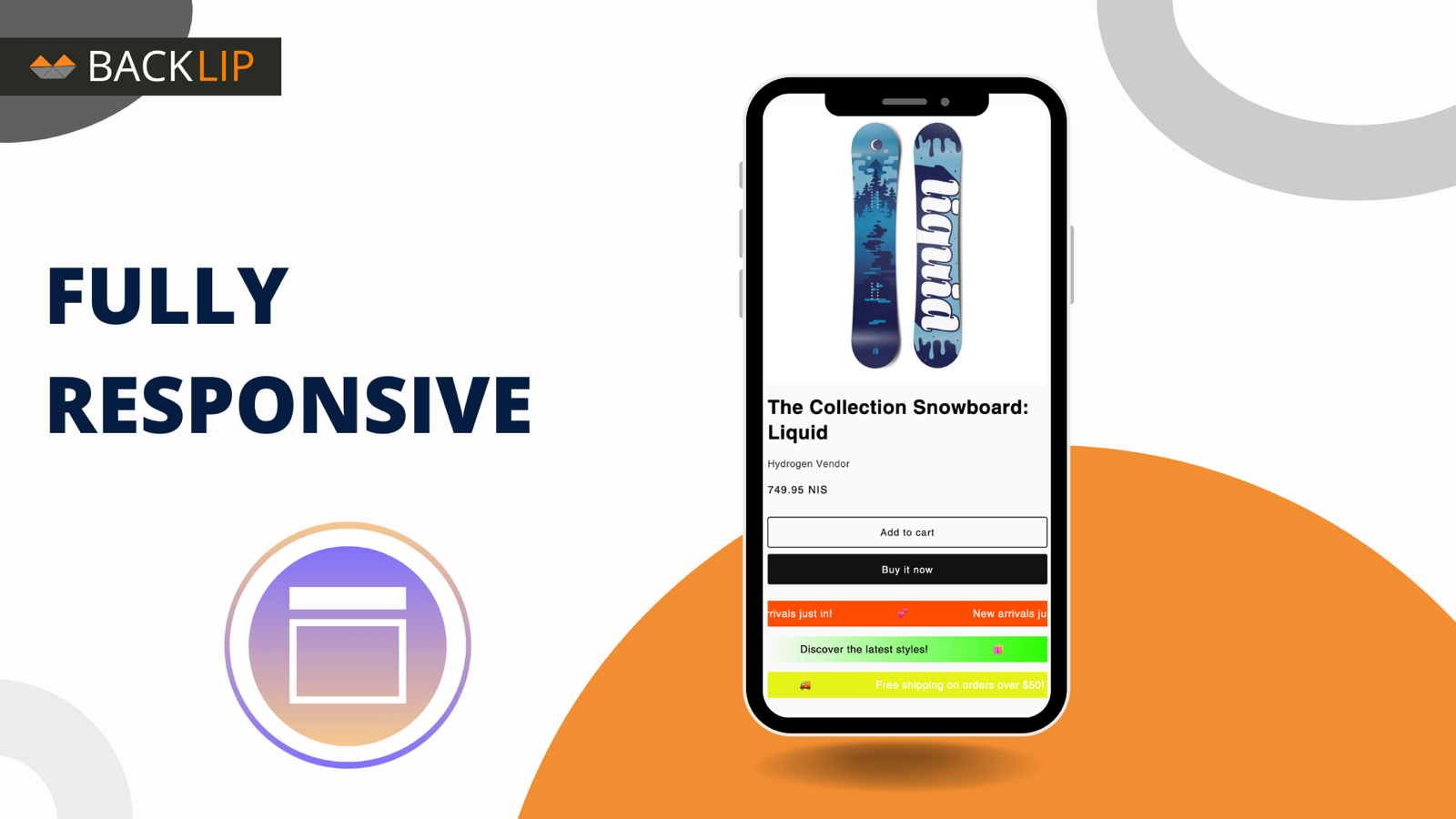
Mobile layouts commonly use different widths, padding, font sizes, and theme rules. Check the bar on both desktop and mobile before changing anything. If the issue is mobile-only, review responsive theme CSS and the relevant mobile controls in your installed app version.
What should I send support for a styling issue?
Send the platform, theme name, storefront URL, the page where the bar appears, screenshots from desktop and mobile, any custom CSS, and the intended result. That makes it easier to distinguish a configuration issue from theme presentation.
Platform-specific guidance
Shopify: what controls are available?
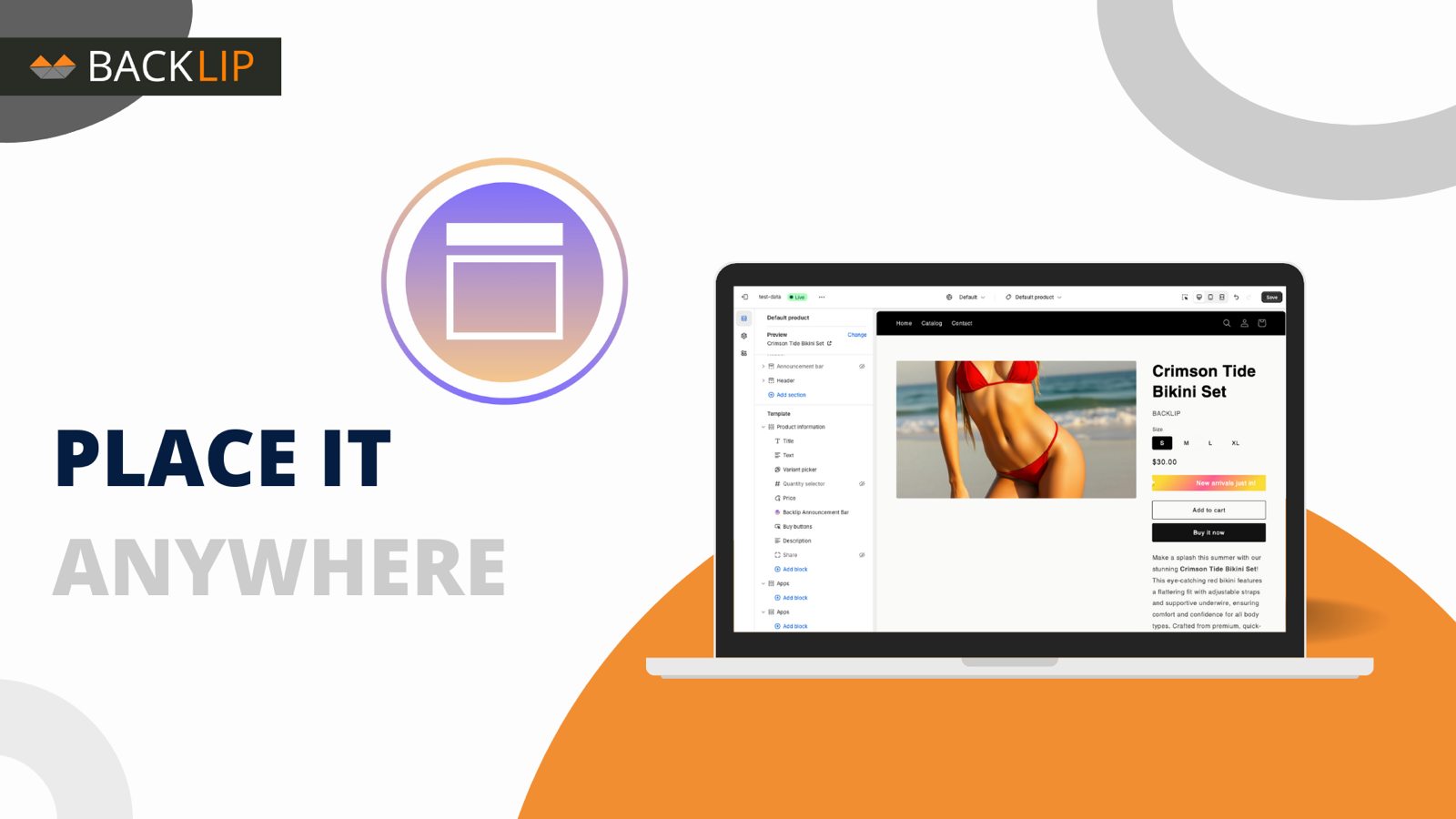
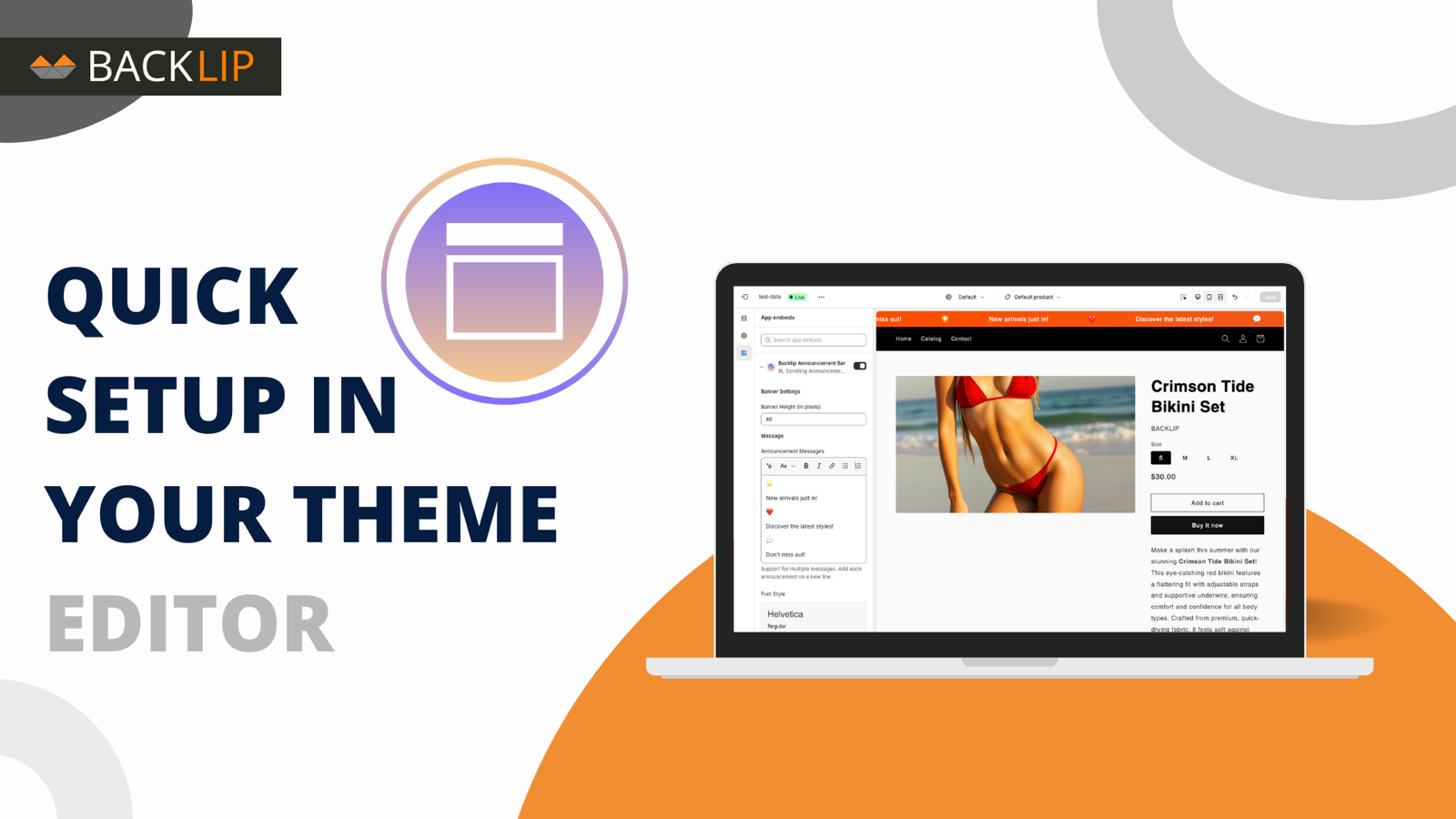
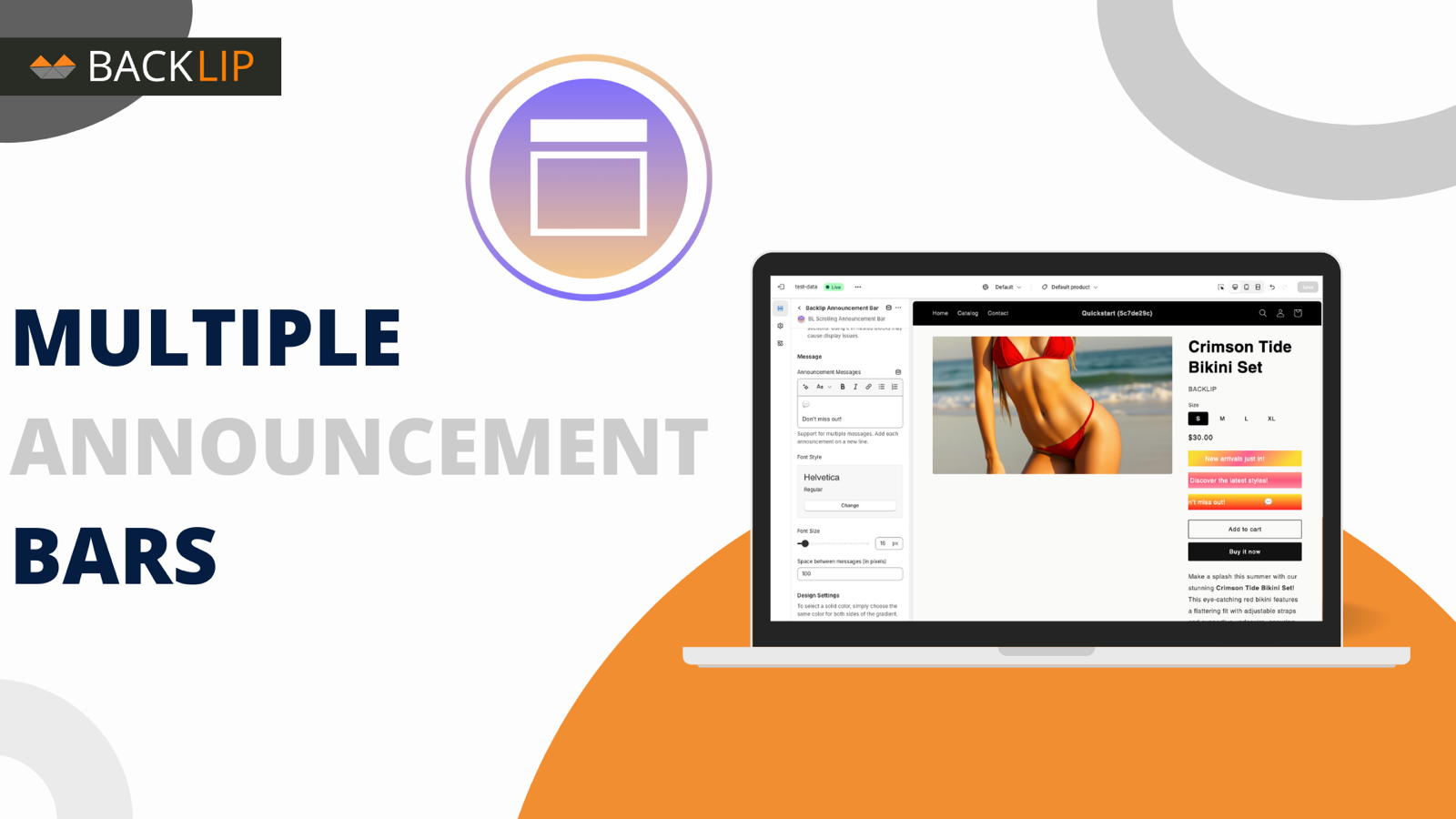
The Shopify listing documents top-header and in-page placements, multiple announcements, adjustable speed, images, and configurable styling. Add the app through Shopify and use its current settings for placement and design; test the chosen message on the active theme and mobile layout.
Wix: how should I approach setup?
Install the native Wix version from its marketplace and configure it within the controls available there. Placement and styling can be influenced by the Wix site layout, so review the live desktop and mobile result after setup rather than assuming the Shopify controls are identical.
Ecwid: what should I check first?
Use the Ecwid listing and installed app settings as the source of truth for available configuration. If the bar is not visible or conflicts with the theme, confirm it is enabled, identify the affected storefront page, and capture a screenshot before changing custom styling.
Shoper: what can I set up?
BL Scrolling Announcement Bar is published in the Shoper Appstore, where it is listed under the Polish name “Przewijany Pasek Informacyjny”. Add your messages in the Shoper administration panel, link each one to the page, category, or product it should promote, then set the bar’s background colour or gradient, font colour and size, and height, and choose the scrolling direction, speed, and spacing - or switch the animation off for a static bar. Changes can be previewed before you publish them, and the text pauses while a shopper hovers over it.
Buying and installing happens in the Shoper Appstore and requires you to be logged into your Shoper store. Confirm the options available in your installed version, because the appearance of the bar also depends on your Shoper template. Options you may know from other platform versions of this app - for example image input or a choice between top-header and in-page placement - are not documented for the Shoper version.
BigCommerce: is this a separate product?
It is the native BigCommerce version of BL Scrolling Announcement Bar. Install it from the BigCommerce marketplace and use its current settings for that platform. Do not assume that an option, placement control, or setup step from another marketplace will appear in the same form.
Announcement bars for Shopify, Wix, Ecwid, BigCommerce & Shoper
BL Scrolling Announcement Bar is available through native listings for Shopify, Wix, Ecwid, BigCommerce, and Shoper. Install it on the platform that runs your storefront, then use the settings that fit your campaign and merchandising plan.
Composing the message? Try the free announcement bar message generator - preview the bar and copy the wording, then install the app here.
Common use cases
- Highlight a free-shipping threshold to encourage higher average order values.
- Promote a time-sensitive launch, promotion, or coupon code.
- Share delivery, stock, or service updates in a place shoppers see quickly.
- Maintain a consistent promotional pattern across multiple platform storefronts.
Key considerations
Keep messages concise and change them when the offer or update changes. The strongest announcement bars focus on one timely action rather than competing with the rest of the storefront.
Relevant product-search topics: scrolling announcement bar, Shopify announcement bar, Wix promo bar, Ecwid announcement bar, BigCommerce announcement banner, Shoper announcement bar (przewijany pasek informacyjny), and free shipping message bar.
Key capabilities
- Surface promotions, shipping thresholds, flash sales, and service updates.
- Use motion to keep important messages visible without taking over the page.
- Adapt copy and presentation to the current campaign or storefront moment.
- Install natively on Shopify, Wix, Ecwid, BigCommerce, or Shoper.
Install on your platform
Choose your platform above to open the official marketplace listing, review current options, and install the native announcement bar for your store.
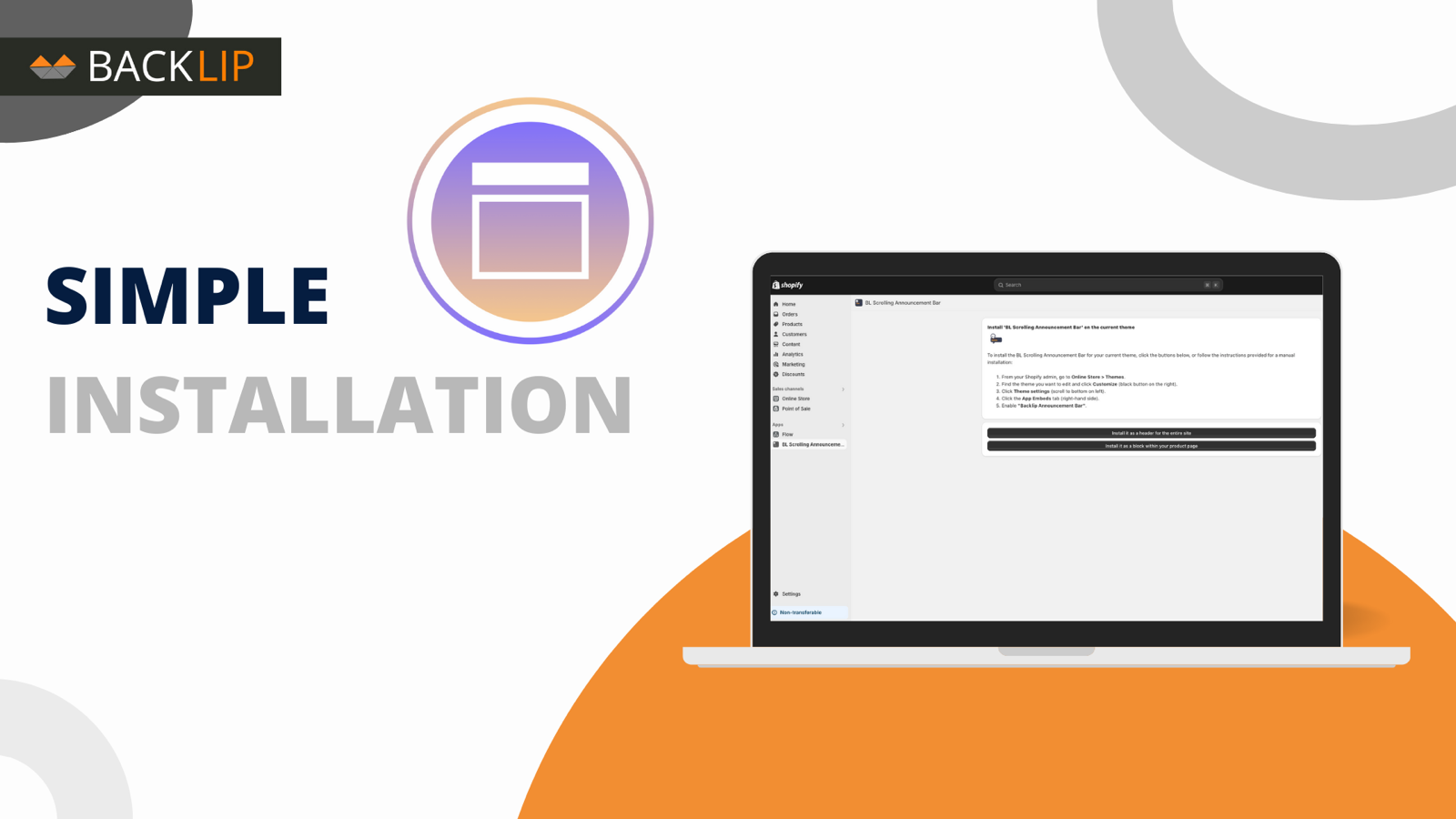
Simple installation for supported stores
Choose your ecommerce platform above to install the app from its official marketplace. After installation, configure the available settings to match your store’s design, product data, and workflow. This page is designed to help you understand the product before you begin, while the marketplace listing provides the live installation path.
Platform-specific guide
Need a practical workflow before installing? Wix scrolling announcement bar guide · Ecwid announcement bar guide
Core workflow guide
Understand the workflow before installing: Scrolling Announcement Bar for Shopify, Wix & Ecwid.